AI Tutorials
OpenCode Tutorial: Complete Guide to the Open-Source Coding Agent
Master OpenCode from installation to providers, AGENTS.md, plan and build agents, permissions, skills, MCP, plugins, IDE, desktop, server, and GitHub workflows.
Read MoreZharfAI Team
AI Development
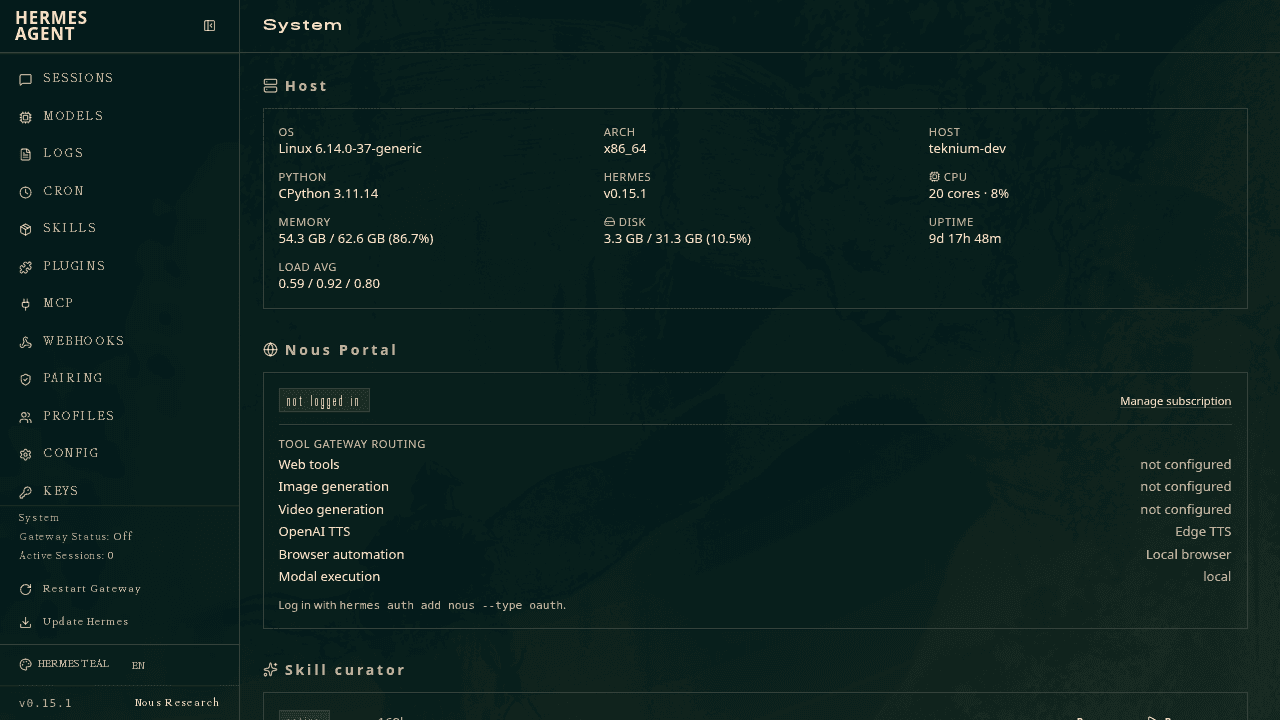
Hermes Agent is Nous Research's open-source, persistent general-purpose agent. It combines a terminal agent with tools, reusable skills, user and agent memory, messaging gateways, scheduled jobs, a browser dashboard, and multiple local or hosted model providers. It can write code, research the web, manipulate files, automate recurring work, and improve reusable operating instructions—with your approval.
This tutorial was verified on August 6, 2026 against the official Hermes documentation and official repository. The project moves quickly; confirm model names, setup choices, and commands in the live docs.
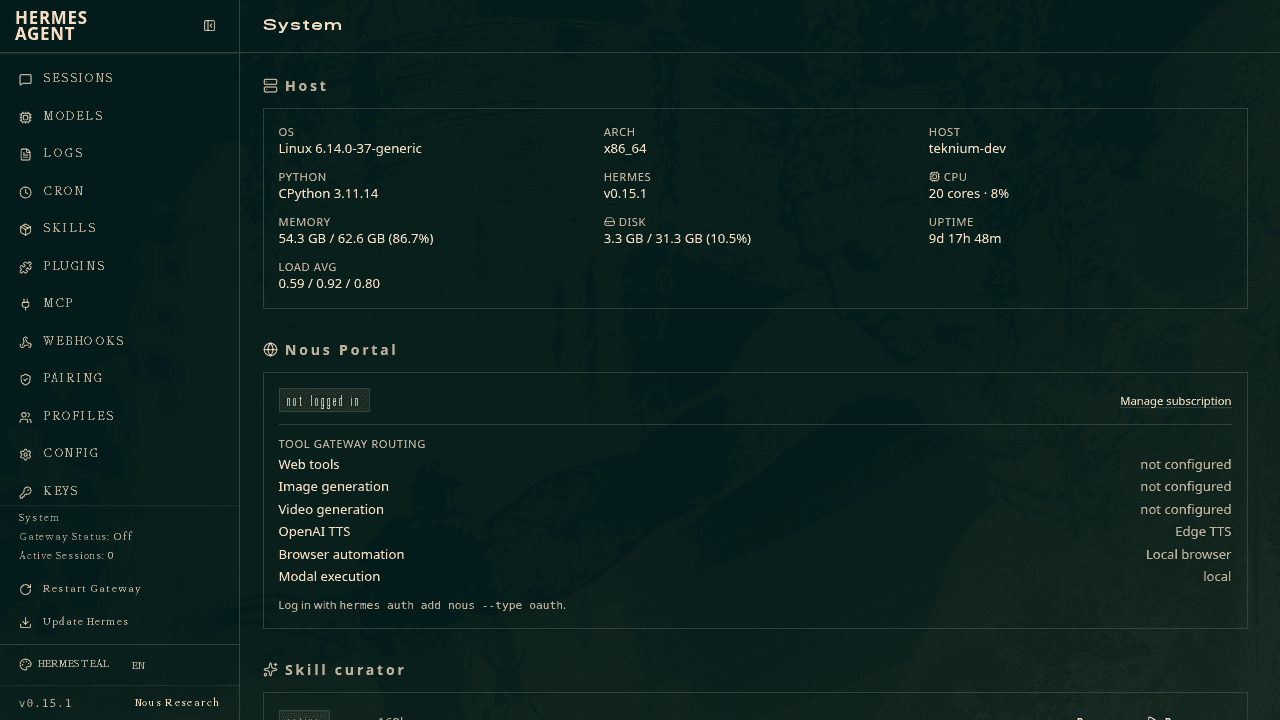
Official Hermes Web Dashboard screenshot from the project repository.
Hermes is broader than a repository-only coding assistant. Choose it when you want one persistent agent across coding, research, files, messaging, browser work, memory, and scheduled automation. Choose Codex, Claude Code, OpenCode, or Prime Agent when the center of gravity is a software repository and its review loop.
Hermes can still be an excellent coding agent. The distinction is authority: a persistent personal agent often has more context, channels, credentials, and time than a single coding session. Configure those capabilities in layers.
The official installer for macOS and Linux is:
curl -fsSL https://hermes-agent.nousresearch.com/install.sh | bash
Inspect remote install scripts before executing them on a sensitive machine. Then start guided setup:
hermes setup --portal
The portal flow helps select a model provider and credentials. You can also run the documented CLI setup. After configuration:
hermes
hermes doctor
hermes model
hermes tools
Hermes supports several API, router, and local-inference options. The docs recommend a model context window of at least 64K tokens for agent work. A model being selectable does not mean it is equally capable at tool use, long tasks, or instruction following; test with your own workflow.
As of this review, models worth a controlled compatibility test include qwen3.8-max-preview, glm-5.2, and deepseek-v4-flash. Use only a provider and exact identifier supported by the Hermes setup flow or documented compatible endpoint; do not copy Qwen Code or ZCode credentials/configuration verbatim.
Hermes offers different starting profiles:
Blank slate is the safest way to understand the permission boundary. Add terminal, browser, messaging, memory, and automation one at a time and verify each before enabling the next.
Hermes keeps credentials in:
~/.hermes/.env
and general settings in:
~/.hermes/config.yaml
Do not copy .env into a project, screenshot it, paste it into chat, or put its values into a skill or memory. Restrict filesystem permissions and prefer tokens scoped to the narrow service and action required.
Configuration is not a sandbox. If the agent can reach a secret through the environment, filesystem, browser session, or tool, assume it may use or expose it.
Hermes groups capabilities into toolsets so you can enable coherent bundles instead of an uncontrolled global toolbox. Depending on configuration, these can include terminal, files, web search, browser, code execution, vision, communication, and external integrations.
Use least authority:
Hermes supports local terminal execution and isolated backends such as Docker, Modal, or Daytona. Choose an external sandbox for unknown code. A filtered command list reduces accidents but does not provide the same boundary as a correctly isolated environment.
Skills package recurring workflows, instructions, scripts, or supporting assets. Use one when the procedure is stable enough to repeat:
A good skill states its trigger, inputs, steps, evidence, prohibited actions, and failure behavior. Keep secrets out. Review third-party skills before installation because they can contain instructions and executable code.
Hermes can also propose or create skills as part of its self-improvement loop. Require approval and a diff. One successful trajectory is not enough evidence for a universal rule.
Hermes uses bounded memory files such as MEMORY.md and USER.md to preserve useful facts and preferences. Memory answers “what should be remembered?” A skill answers “how should this repeatable procedure run?”
Store only durable, non-sensitive facts. Do not preserve API keys, private messages, medical or financial records, one-time codes, or incidental personal data. Review memory periodically; stale memory can be more harmful than no memory.
When a team convention belongs in a repository, put it in version control instead of one operator's private memory.
Hermes includes a local Web Dashboard for system status, configuration, models, sessions, tools, schedules, and observability. Keep it bound to localhost unless the official deployment guide and your network controls explicitly secure remote access.
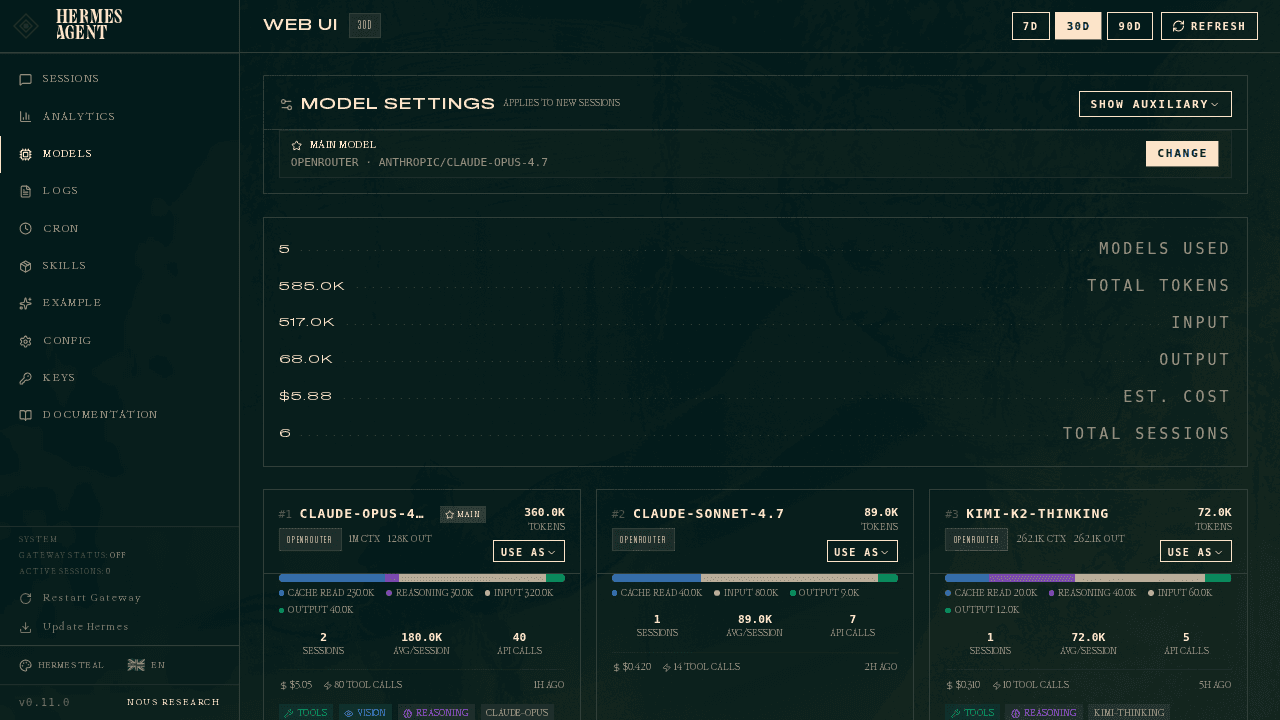
Official model overview. Provider availability and exact identifiers can change after publication.
Use the dashboard to inspect—not merely assume—which model, toolsets, gateway, sandbox backend, and jobs are active. A healthy status proves the service is running; it does not prove a task result is correct.
Hermes can connect to supported messaging platforms through its gateway. Treat a channel as an external input surface and an external side-effect surface:
Messages, attachments, and linked pages can carry prompt injection. Channel identity tells you who sent the message, not whether every instruction inside it is safe.
Hermes can schedule recurring prompts or tasks. A safe job includes:
For example, a daily research job should fail closed if no eligible fresh source exists. It should not invent a digest to satisfy the schedule.
Run a new automation manually first. Then schedule it in observation-only mode before granting write or send authority.
Hermes can integrate external capabilities through MCP and project-specific tools. Each connection changes the data boundary. Document what it receives, what it can mutate, which account it acts as, and how it is revoked.
Browser and computer-control capabilities operate in the visible application environment and may inherit logged-in sessions. Use a separate browser profile for agent work where possible. Never approve password, payment, permission, or publication steps merely because navigation succeeded.
Voice and audio features add microphone and potentially third-party transcription boundaries. Grant them only for an explicit use case and understand retention before enabling them.
Hermes documents manual/smart approval behavior and less restrictive modes. Use the most restrictive mode that still permits the workflow. Disabling approvals is appropriate only inside an externally isolated environment with disposable credentials and data.
Filesystem guards and command rules are defense in depth, not proof of containment. If supported by your setup, restrict writes to a dedicated safe root. Also:
~/.hermes out of shared or synchronized project folders;hermes doctor;Inspect this project read-only.
Explain the requested behavior and identify the smallest affected surface.
List the files and tests you would use.
Do not edit until the plan is approved.
Then:
Implement only the approved plan in this worktree.
Run the focused tests and the relevant build/type check.
Do not use messaging, browser login state, memory writes, or external services.
Show the final diff summary and unresolved risks.
After a successful run, decide separately whether any lesson deserves project documentation, memory, or a skill. Do not let the agent silently convert task output into permanent behavior.
Run hermes doctor, inspect enabled toolsets, confirm the execution backend, and test one minimal tool. Avoid broadening all permissions at once.
Check context size, provider limits, tool-calling support, and current model selection with hermes model. Test the same bounded prompt with a stronger supported model before changing the whole harness.
Review MEMORY.md and USER.md, remove unnecessary entries, and rewrite durable facts narrowly. Never solve stale memory by adding more unverified memory.
Add a stable job key, time window, destination check, and explicit “already completed” condition. A schedule is a trigger, not an idempotency mechanism.
They overlap but have different configuration and ecosystem assumptions. Inventory channels, credentials, memory, jobs, tools, and trust boundaries; migrate one capability at a time and keep the old system read-only until the new path is verified. See the OpenClaw tutorial.
Reviewed on August 6, 2026:
Master OpenCode from installation to providers, AGENTS.md, plan and build agents, permissions, skills, MCP, plugins, IDE, desktop, server, and GitHub workflows.
Read More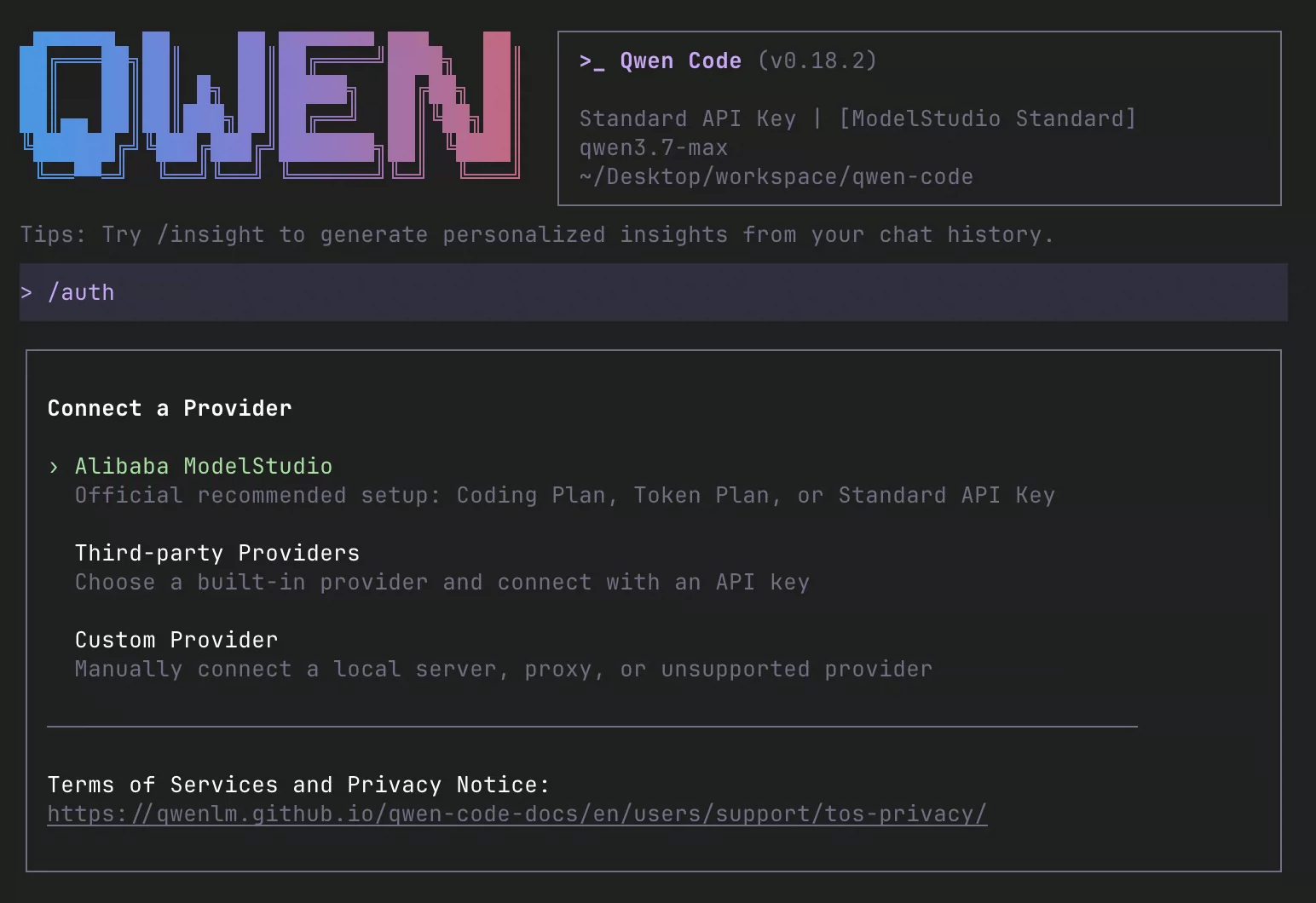
Install and master Qwen Code: Qwen3.8, providers, QWEN.md, plan and auto modes, subagents, agent teams, worktrees, skills, memory, MCP, hooks, IDEs, daemon, channels, and CI.
Read More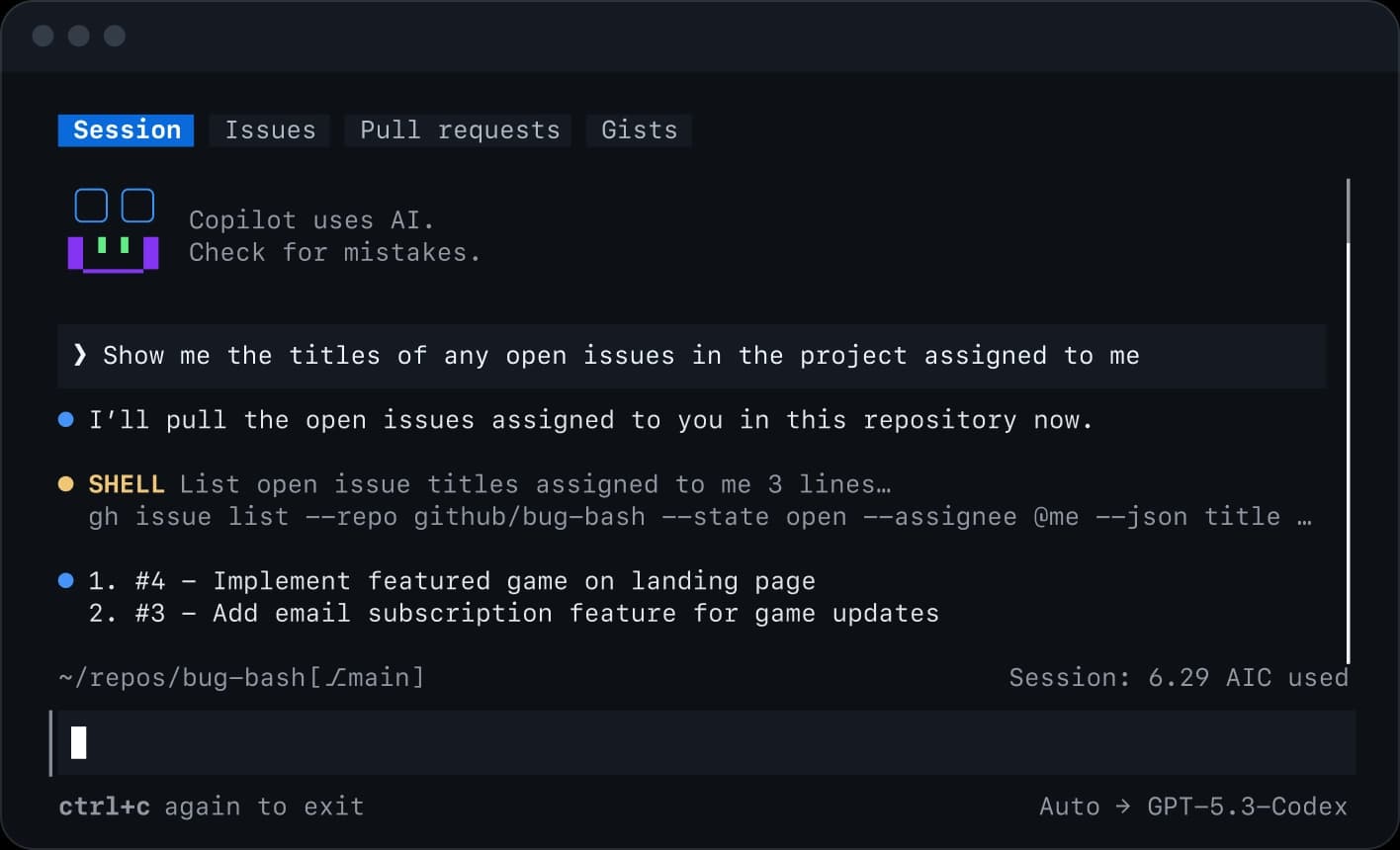
Master GitHub Copilot CLI from installation and permissions to plan and autopilot modes, fleet agents, skills, MCP, plugins, IDE and remote work, review, hooks, and automation.
Read MoreGet in touch with our team to discuss how we can help your business.