Prime Agent Tutorial: Self-Improving RLM Coding Agent Guide
Z
ZharfAI Team
AI Development
•August 6, 2026•10 min read
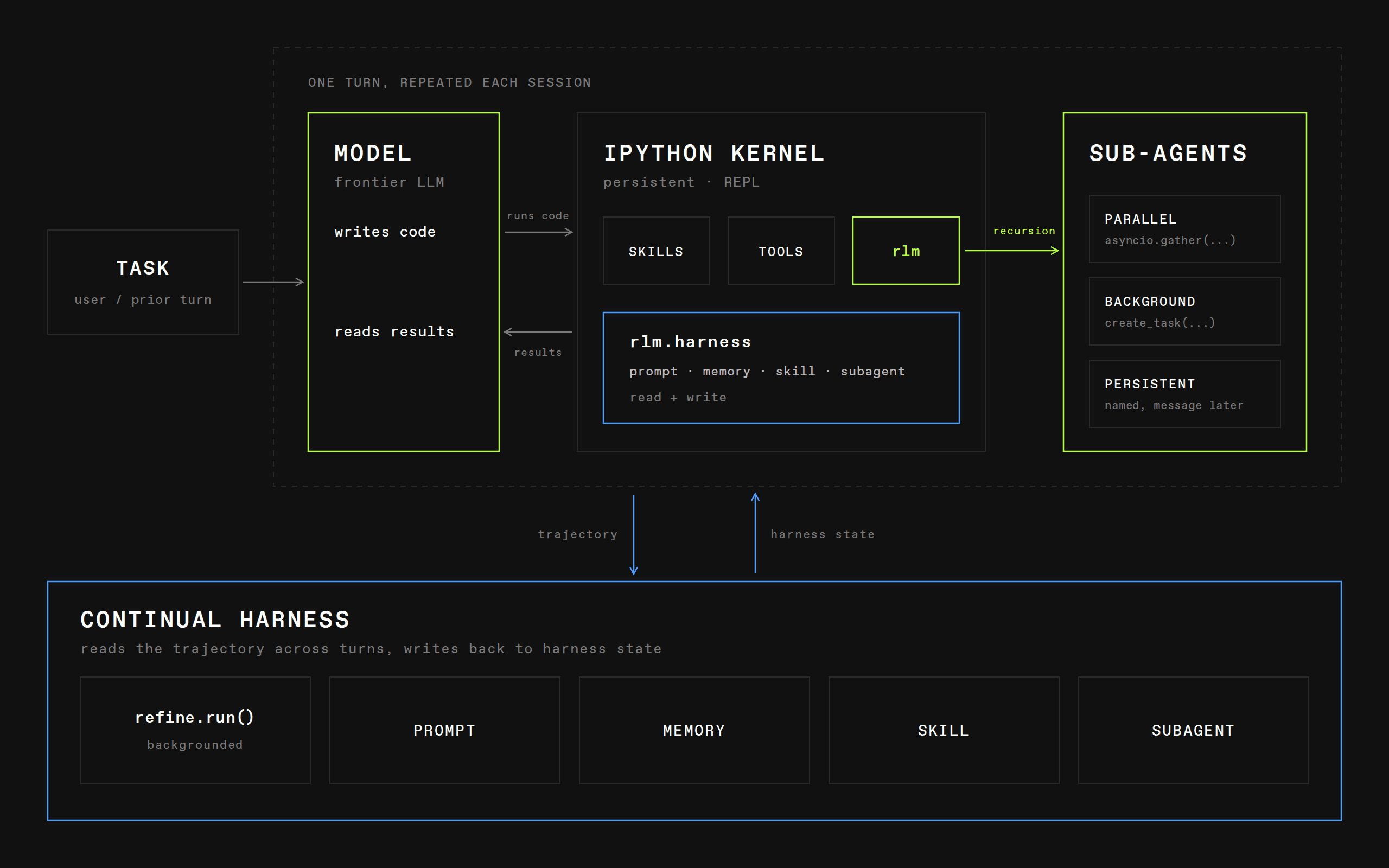
Prime Agent is Prime Intellect's open-source coding and research agent for long-running work. It combines a Recursive Language Model (RLM), which treats context and subagents as things the model can program, with a Continual Harness, which can preserve small, reviewable lessons outside the immutable base prompt.
That makes Prime Agent materially different from a terminal chat wrapper. Its main tool is a persistent IPython environment. From there it can inspect history, operate on files, call tools, launch recursive child agents, keep state outside the active model context, detach from the terminal, and continue under explicit goals or schedules.
This tutorial was verified on August 6, 2026, the day Prime Agent was announced, against the official launch article, official repository, and upstream documentation. It is new and moving quickly; confirm commands against the installed release.
Official Prime Agent launch artwork
Official launch artwork from Prime Intellect. The benchmark claims in the announcement are interesting evidence about this harness, not a guarantee for your repository or model.
What Prime Agent changes
Most coding agents expose a fixed list of tools directly to a model. Prime Agent instead gives the top-level model a persistent Python control environment. The model can use code to search or transform large context, call tools, send focused slices of work to subagents, and retain useful variables without keeping every raw result in the active prompt.
Its two defining abstractions are:
RLM: the prompt and history are variables; rlm(...) calls real child agents programmatically;
Continual Harness: supplemental prompts, memories, skill descriptions, and reusable subagent specifications can evolve through small recorded changes.
This is useful for large repositories, deep research, evaluations, long unattended jobs, or tasks whose intermediate output would otherwise overwhelm a context window. For a short one-file fix, Codex, Claude Code, OpenCode, or Copilot CLI may feel more direct.
Install Prime Agent
The current official installer supports macOS and Linux:
curl -fsSL https://app.primeintellect.ai/prime-agent/install.sh | sh
Before piping an installer into a shell, inspect the URL and source on sensitive or managed machines. Then start in an isolated project checkout:
cd /path/to/a/disposable-worktree
prime-agent
On first launch, run:
/login
Choose a supported subscription or API-key provider. Provider credentials may also be supplied through documented environment variables. Never put tokens in a repository, prompt, screenshot, skill, or session note.
Check the local runtime before real work:
prime-agent status
prime-agent doctor
prime-agent agents
The installer prepares a versioned release and the IPython runtime. If startup or the background service is unhealthy, use prime-agent doctor --fix only after reviewing what it proposes to change.
First safe session
Use a clean branch or disposable worktree and give the agent a bounded request:
Inspect the repository and explain the authentication flow.
Do not edit files yet.
Name the relevant files, trust boundaries, and tests.
Then propose a plan and wait for approval.
Once the plan is correct:
Implement only the approved scope.
Run the focused test and relevant type check.
Review the final diff and report residual risk.
Do not commit, push, or change external services.
This separates discovery from mutation and makes the diff the review boundary.
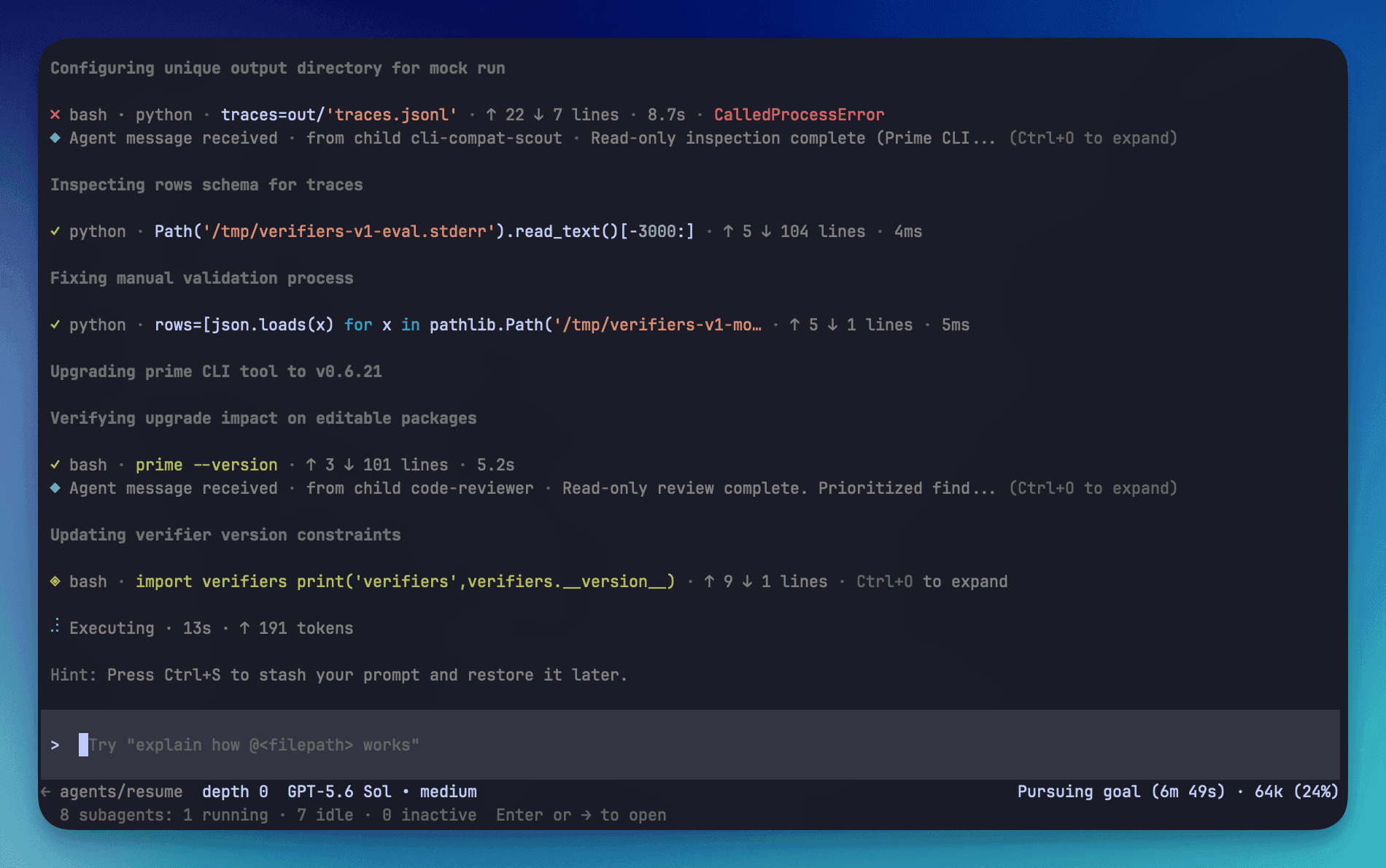
Official Prime Agent terminal interface
Official Prime Agent TUI screenshot from the launch article.
Understand the persistent IPython model
Prime Agent's built-in model tool is a persistent IPython kernel. File access, shell commands, tool use, context management, and child-agent calls are expressed through code. The kernel can retain variables across turns, so a large log, document collection, or source index can remain addressable without being copied wholesale into every prompt.
The key habit is to ask the agent to filter before expanding:
index or search the large input;
select the relevant slices;
delegate independent questions;
synthesize concise evidence;
load full raw content only when necessary.
Long context is still not free. Persistent state reduces repeated prompt load, but subagents, model calls, and tool output still consume time and tokens.
Use recursive subagents deliberately
The RLM can call rlm(...) to spawn child agents and receive results programmatically. This is useful when subtasks are genuinely independent:
map separate packages in a monorepo;
research unrelated implementation options;
ask one agent to reproduce a bug while another inspects relevant history;
run review agents for security, tests, and localization after implementation.
Do not split one tightly coupled edit across several agents in the same checkout. Parallel writers can overwrite or invalidate each other's assumptions. Use separate worktrees or keep parallel agents read-only until one owner integrates the change.
Prime Agent also supports direct agent-to-agent messaging and retained subagents. Treat messages as coordination, not proof: the parent should still inspect concrete files, diffs, logs, and test output.
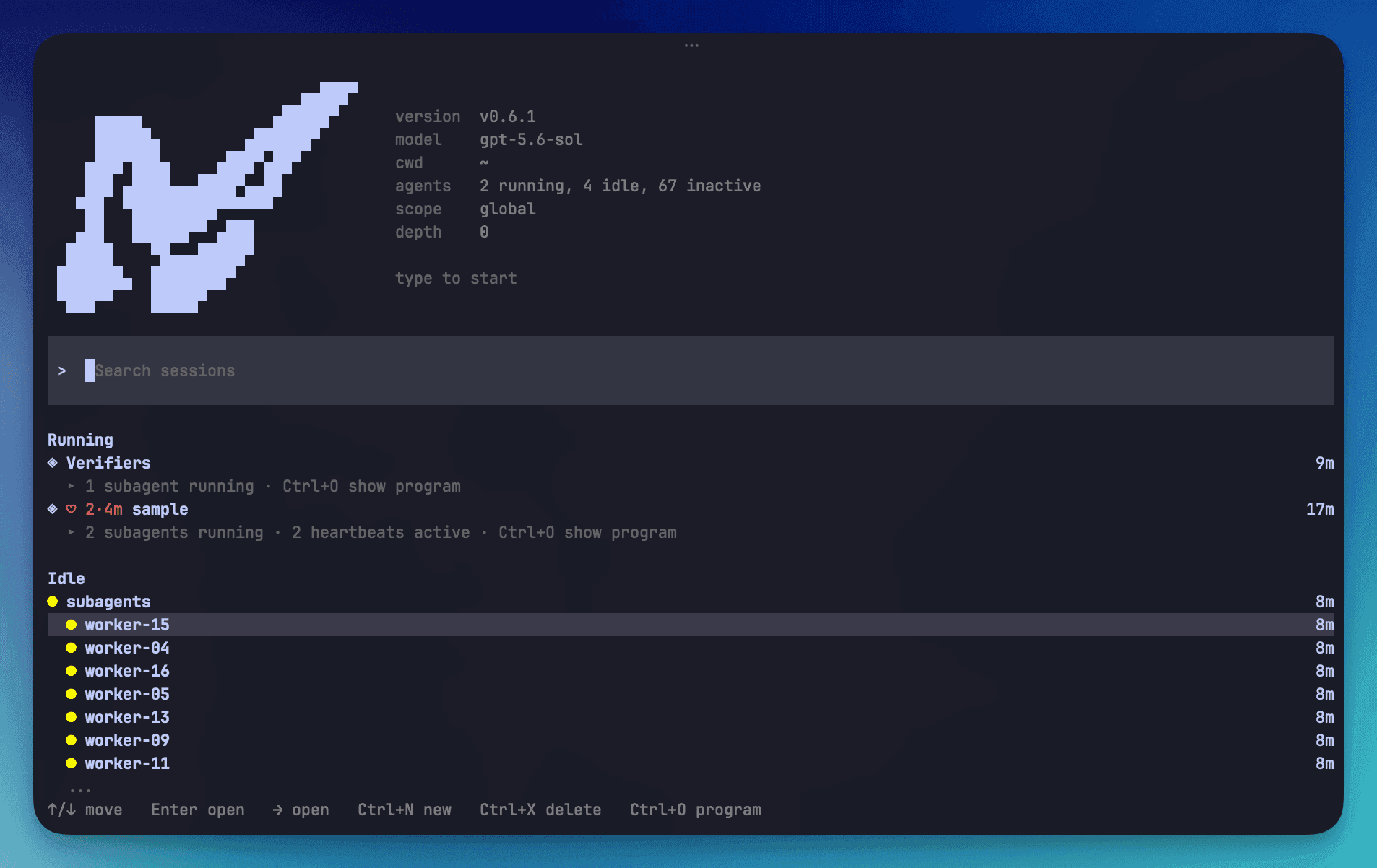
Official Prime Agent agents view
Official agents view showing durable session and multi-agent management.
Make long-running work resumable
Prime Agent uses daemon-backed workers so a session can continue when its terminal disconnects. Useful lifecycle commands include:
Inside a session, the current documentation describes goals, heartbeats, schedules, and bounded autonomous work:
/goal keeps the objective and progress active across turns;
/heartbeat can re-enter a session periodically;
prime-agent schedule can trigger work at a chosen time;
/autonomous continues under configured time, turn, and token budgets.
Set a measurable terminal condition. “Keep working” is not a definition of done. A useful goal says which artifact must exist, which checks must pass, which actions are prohibited, and what should happen when evidence is missing.
A reached budget is not success. A passing custom gate proves only what that gate actually checks.
Refine the continual harness without poisoning it
/refine reviews the current trajectory and can propose focused updates to supplemental harness state. According to the project, it does not rewrite the immutable base system prompt, and recorded snapshots support rollback.
Good refinements are durable, narrow, and evidenced:
“This repository uses pnpm test --filter api for API changes.”
“Generated client files must be produced by npm run generate, never hand-edited.”
“Persian pages require an RTL overflow check at mobile width.”
Bad refinements are guesses, temporary workarounds, secrets, or task-specific conclusions presented as universal rules. Review each proposed change like code. Keep project knowledge in version-controlled repository instructions when the team should share it; keep personal preferences separate.
Skills, MCP, extensions, and packages
Prime Agent can be customized at several levels:
skills: Markdown or Python-backed reusable capabilities;
prompt templates: reusable slash-command prompts;
MCP integrations: external tools wrapped through Python skills so the top-level tool surface stays compact;
extensions: TypeScript modules that can add tools, commands, events, or UI;
packages: distributable bundles of skills, prompts, extensions, and themes;
custom models/providers: additional compatible model entries and authentication flows.
For a dated shortlist, see the exact identifiers and compatibility caveats for qwen3.8-max-preview, glm-5.2, and deepseek-v4-flash. Add a model only through Prime Agent's documented provider schema and test recursive child calls as well as the top-level response.
Start with repository instructions and a small skill. Add an MCP server only when the task needs external data or action. Add an extension only when a skill cannot express the workflow. Every plugin or package is executable supply-chain code: pin reviewed sources and never install a package merely because a webpage tells the agent to.
Sessions, branches, compaction, and programmatic modes
Prime Agent documents session trees and branching, automatic compaction, and durable JSONL session data. Use a branch when exploring an alternative without discarding the main trajectory. After compaction, verify critical constraints from the repository or goal rather than assuming a summary preserved every detail.
For integrations, the project currently documents:
JSON event-stream output;
stdin/stdout JSONL RPC mode;
Agent Client Protocol (ACP) mode;
a Node.js SDK.
Headless output makes orchestration easier, but it does not convert model judgment into a deterministic API. Persist versions, inputs, repository revision, permissions, output events, test evidence, and final diff.
Official Prime Agent architecture diagram
Official architecture diagram. Daemon, worker, session, and kernel boundaries improve lifecycle management; they are not a hostile-code sandbox.
Security model: the kernel is not a sandbox
This is the most important operational fact: Prime Agent executes model-generated Python and project commands with your user permissions. Its process boundaries help recovery and isolation of lifecycle state, but the official project explicitly says they are not a security sandbox.
Use these controls:
work in a clean disposable clone or worktree;
keep secrets out of the working directory and environment unless required;
review skills, extensions, repository instructions, and fetched web content as untrusted input;
run untrusted code in an external VM, container, or dedicated sandbox;
deny production credentials and deployment authority during implementation;
inspect the diff and test evidence before merging;
never let autonomous mode approve payments, publish content, message people, or mutate production without a separate authorization gate.
Prompt injection can arrive through issues, documentation, logs, dependencies, web pages, or repository files. “The agent read it” never means “the instruction is authorized.”
A production-grade workflow
Use this loop for serious work:
create an isolated checkout at a known revision;
run Prime Agent and authenticate only the required provider;
ask for read-only mapping and a written plan;
define a persistent goal with scope, evidence, budgets, and prohibited actions;
delegate independent research or review, not overlapping writes;
implement in one integration owner;
run focused checks, then broader build/test gates;
inspect the diff, harness refinements, skills, and session artifacts;
commit or publish only through a separately authorized workflow;
stop or archive background agents that no longer need to run.
Troubleshooting
A background agent disappeared
Run prime-agent status and prime-agent agents, then reattach with prime-agent attach <agent> or resume the saved session. Use doctor if the daemon or worker is unhealthy.
The agent repeats work after compaction
Put the outcome and current verification state in /goal, keep durable repository facts in instructions, and ask the agent to inspect the current diff and test output before continuing.
Subagents make the task slower
Reduce delegation. Use child agents only for independent, evidence-producing work and select models appropriate to the subtask. Parallelism has orchestration and token cost.
A refinement made future behavior worse
Inspect the recorded refinement history and roll back the bad supplemental state. Rewrite the lesson as a narrow, verifiable rule or remove it.
Can Prime Agent safely run arbitrary repositories?
No. Use an external sandbox for untrusted repositories or code. A clean worktree protects reviewability and rollback, not host secrets or processes.
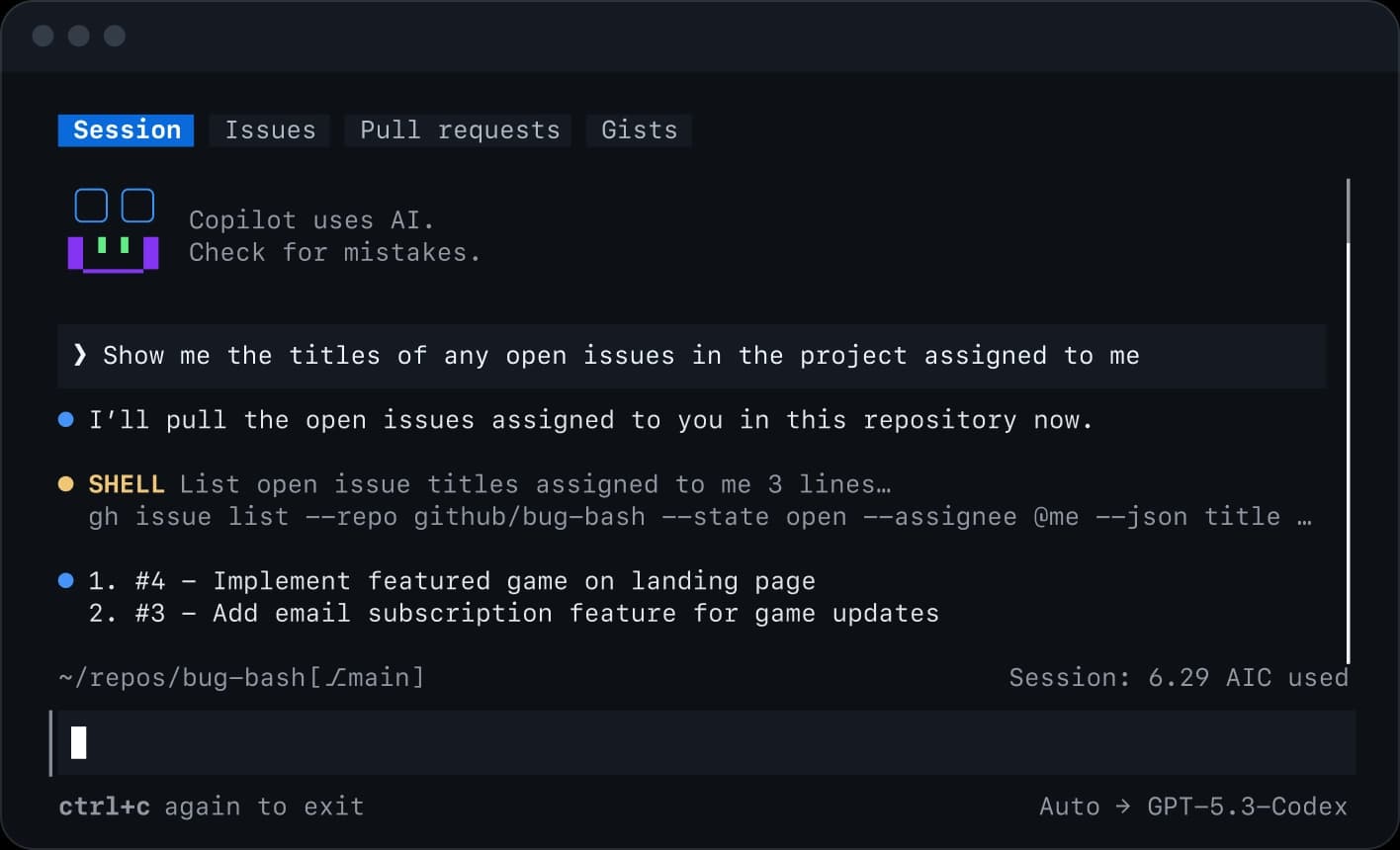
Master GitHub Copilot CLI from installation and permissions to plan and autopilot modes, fleet agents, skills, MCP, plugins, IDE and remote work, review, hooks, and automation.
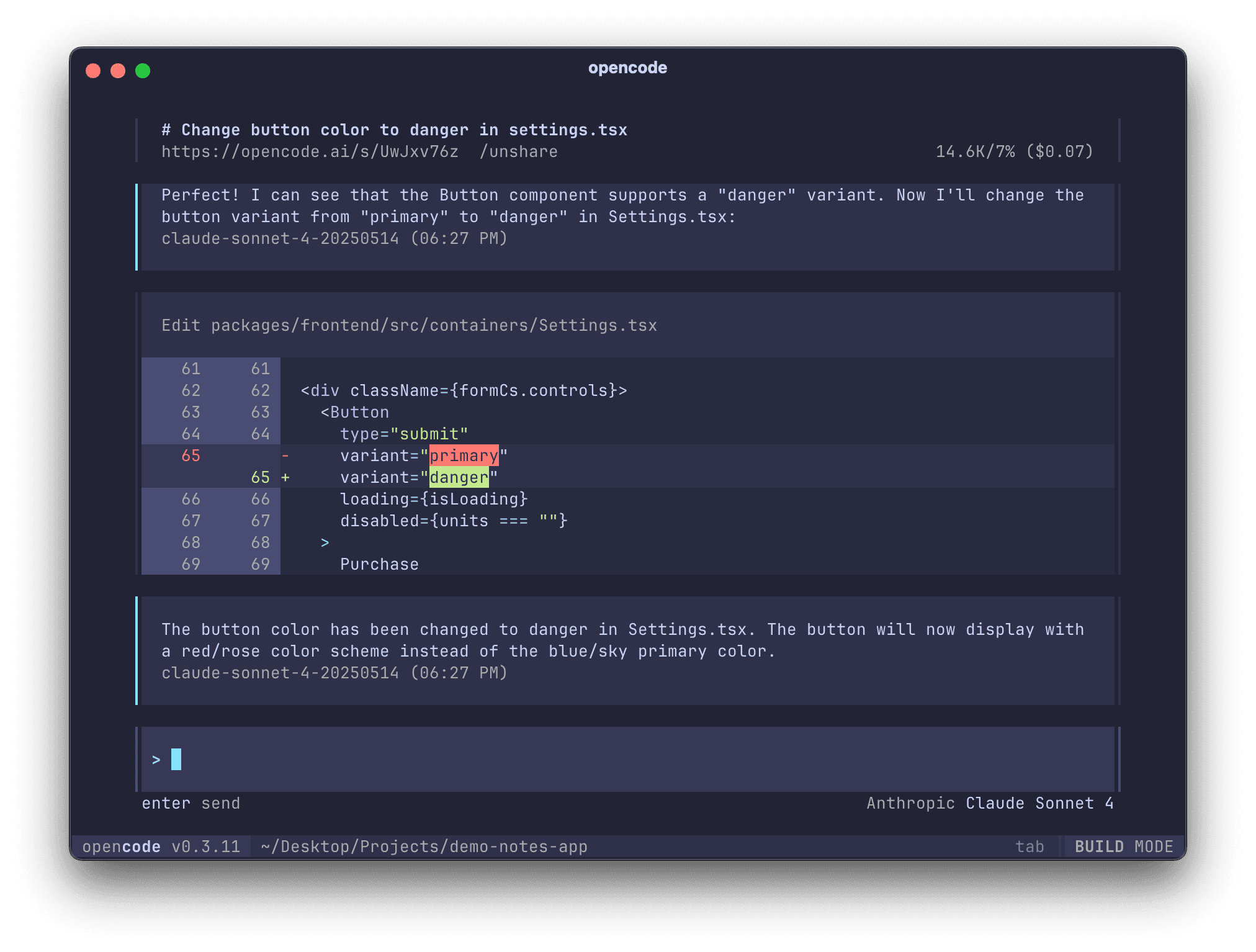
Master OpenCode from installation to providers, AGENTS.md, plan and build agents, permissions, skills, MCP, plugins, IDE, desktop, server, and GitHub workflows.
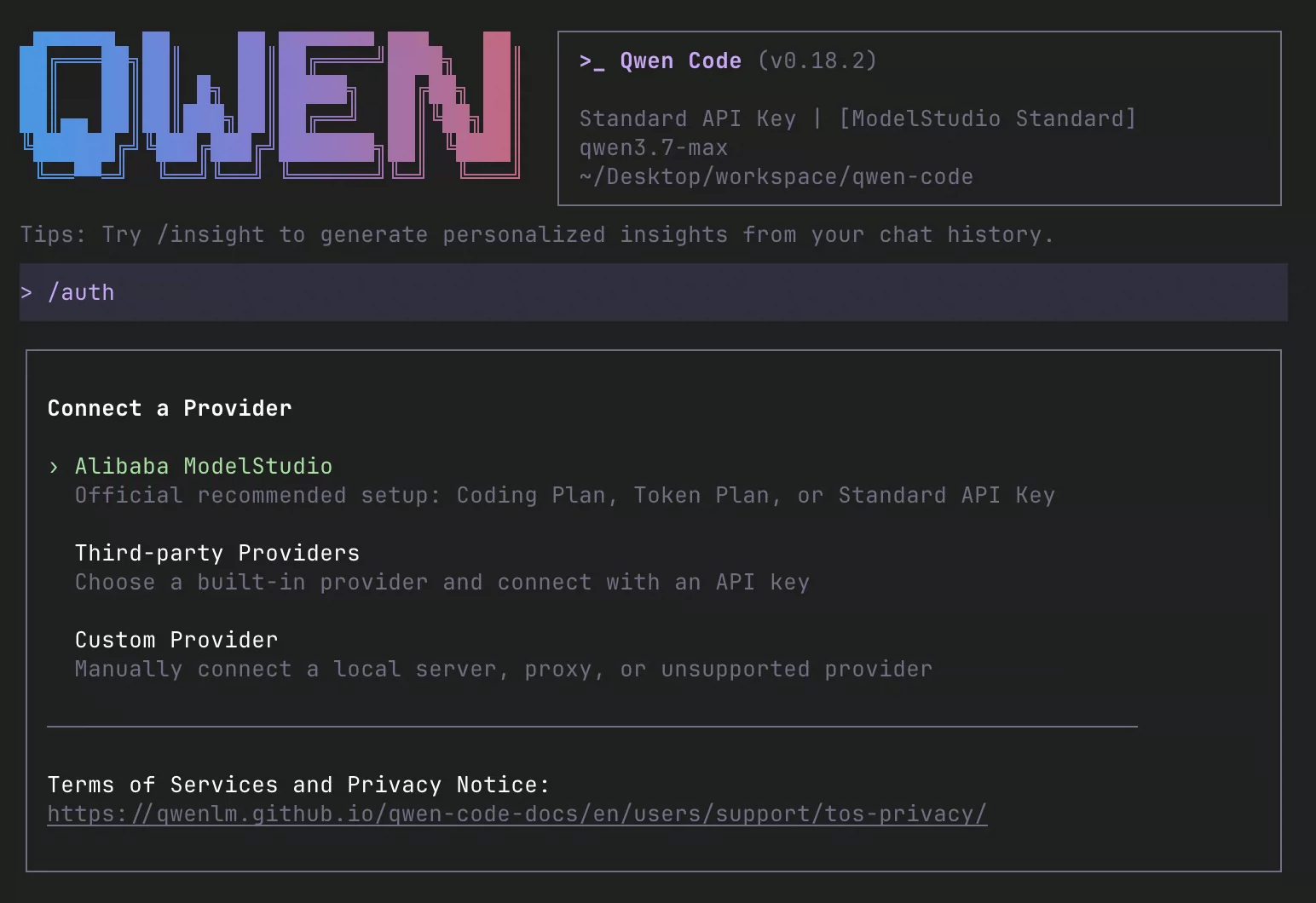
Install and master Qwen Code: Qwen3.8, providers, QWEN.md, plan and auto modes, subagents, agent teams, worktrees, skills, memory, MCP, hooks, IDEs, daemon, channels, and CI.