GitHub Copilot CLI Tutorial: Plan, Agents, MCP, and GitHub Workflows
Z
ZharfAI Team
AI Development
•August 6, 2026•8 min read
GitHub Copilot CLI is GitHub's terminal coding agent. It can inspect and modify a repository, run commands, plan work, delegate to parallel agents, use custom instructions and skills, connect MCP servers and plugins, review changes, research questions, and move work between the terminal, IDE, GitHub, and remote agents.
Its strongest differentiator is GitHub-native context: issues, pull requests, repositories, review, and remote work sit close to the agent loop. This guide was verified on August 6, 2026 against the official Copilot CLI page and GitHub Docs. Availability depends on your Copilot plan, organization policy, model access, platform, and authentication.
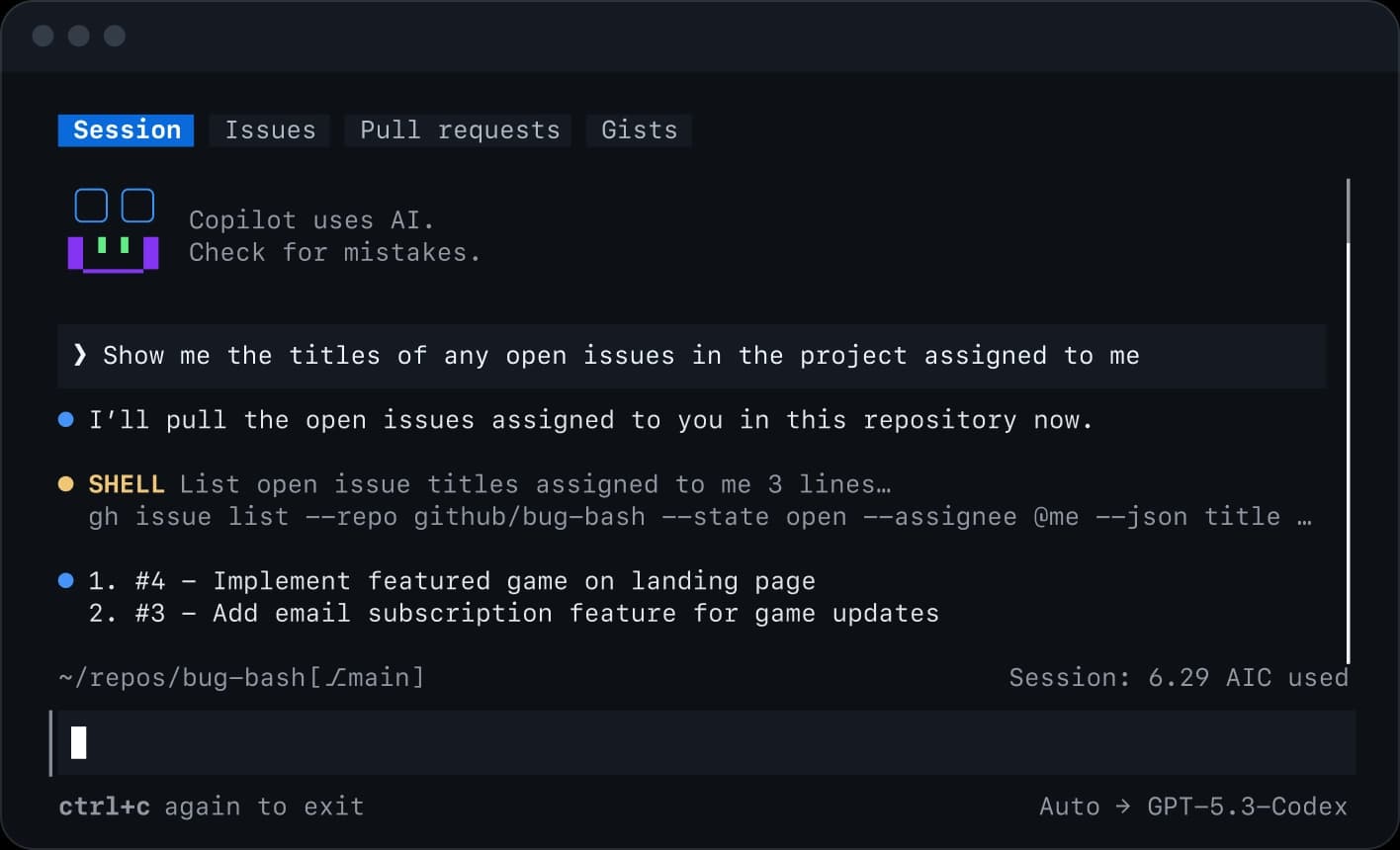
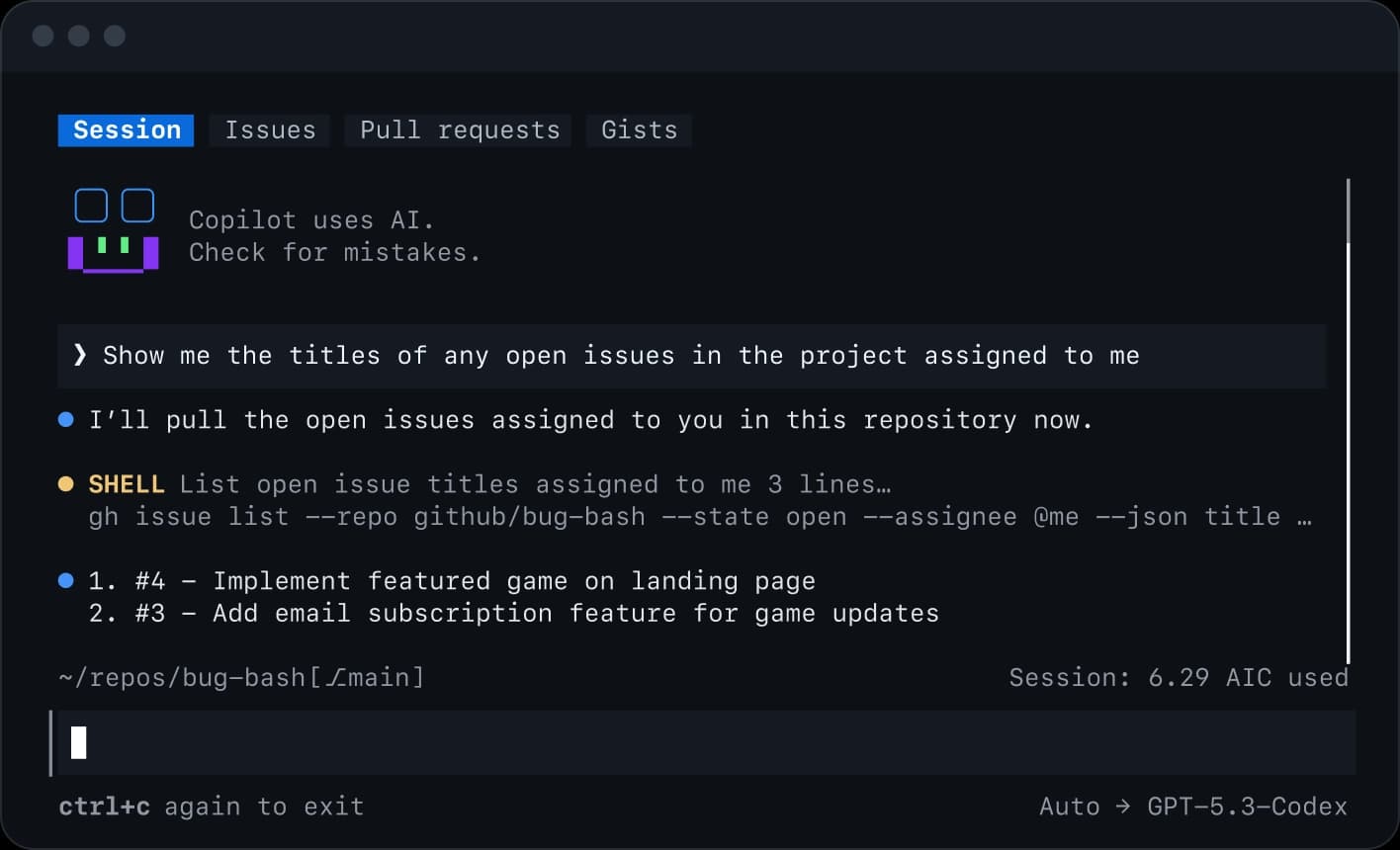
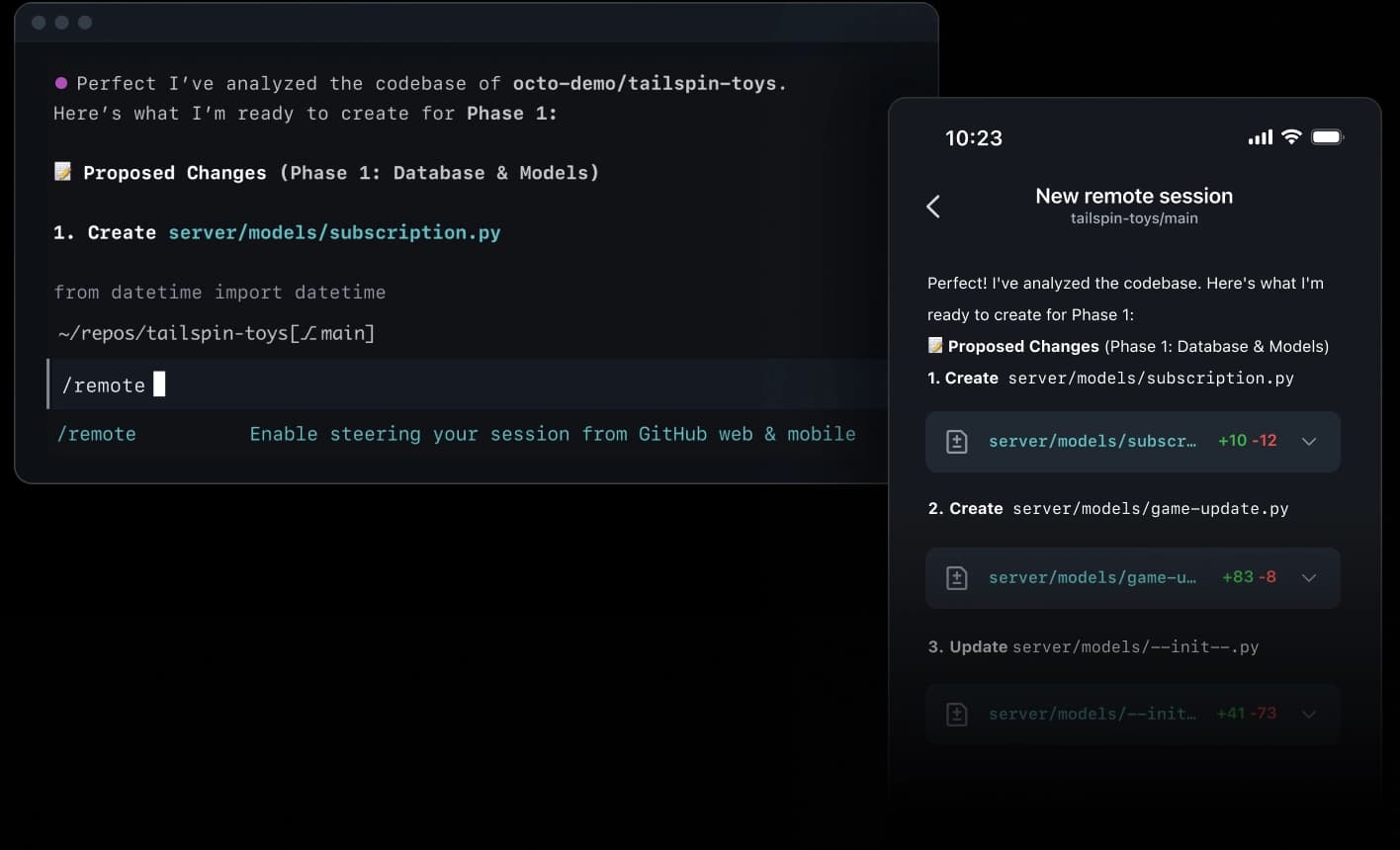
Official GitHub Copilot CLI screenshot showing issue and pull request context
Official GitHub product screenshot. Repository names and models visible in product images are illustrative.
When Copilot CLI is the right choice
Choose Copilot CLI when your workflow begins and ends in GitHub and you want terminal execution plus issue, pull-request, review, and remote-agent continuity. Choose Codex, Claude Code, OpenCode, or Prime Agent when another model ecosystem, open-source harness, or persistent RLM architecture matters more.
Do not choose only by benchmark claims. Test the exact repository, model, permission mode, and workflow you intend to deploy.
Install Copilot CLI
The current official product page offers an install script:
curl -fsSL https://gh.io/copilot-install | bash
GitHub also documents npm installation:
npm install -g @github/copilot
Inspect remote scripts before running them on managed machines. Then verify and launch:
copilot --version
copilot --help
cd /path/to/your/repository
copilot
Sign in using the supported GitHub authentication flow. Organization policies can restrict models, features, MCP, plugins, and command execution. Never paste a personal access token into chat or commit it to configuration.
Start with repository context
Inside a small repository, ask the agent to map before editing:
Explain this repository's architecture and test commands.
Do not modify files.
Identify the smallest files involved in issue #123 and propose a verification plan.
The /init workflow can generate repository instructions under .github/copilot-instructions.md. Review the file before accepting it. Include build, test, ownership, generated-file, security, privacy, and definition-of-done rules. Keep it concise and version-controlled.
Copilot can also discover AGENTS.md and agent skills where supported. Avoid duplicating conflicting instructions across files; document which file owns which scope.
Interactive, plan, and autopilot modes
Copilot CLI exposes an interactive loop and different operating modes. Use plan mode before a risky or cross-cutting change. The agent should identify files, dependencies, tests, and permission needs without writing code. Switch to an implementation mode only when the plan is correct.
Autopilot can continue through multiple steps with less intervention. That makes it useful for bounded migrations or test-driven fixes and dangerous for vague objectives. Define scope, budgets, prohibited actions, and success evidence first. A long run that reaches its limit is incomplete, not successful.
Use /model to inspect or change the available model where your plan permits it. Model availability and pricing can change independently of the CLI.
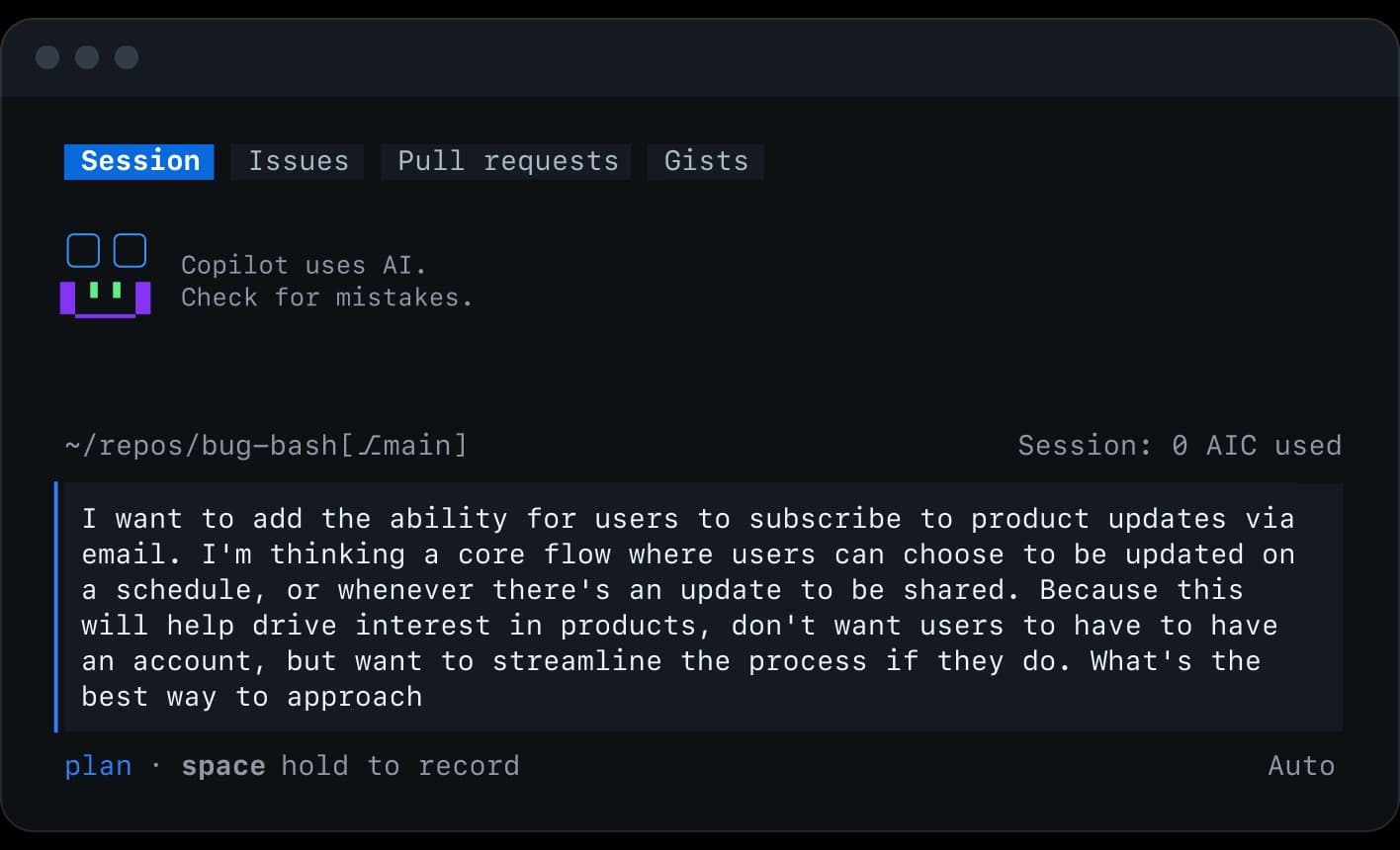
Official Copilot CLI plan and MCP interface
Official screenshot showing plan and external-tool configuration.
Use fleet and custom agents
The /fleet workflow can delegate independent work to parallel agents. Good candidates include:
read-only maps of separate packages;
independent research questions;
security, test, accessibility, or localization review;
implementation in isolated worktrees with one integration owner.
Do not assign overlapping writes in one checkout. Parallel agents amplify conflicting assumptions and token cost. Give each agent a bounded deliverable and ask the parent to verify source evidence.
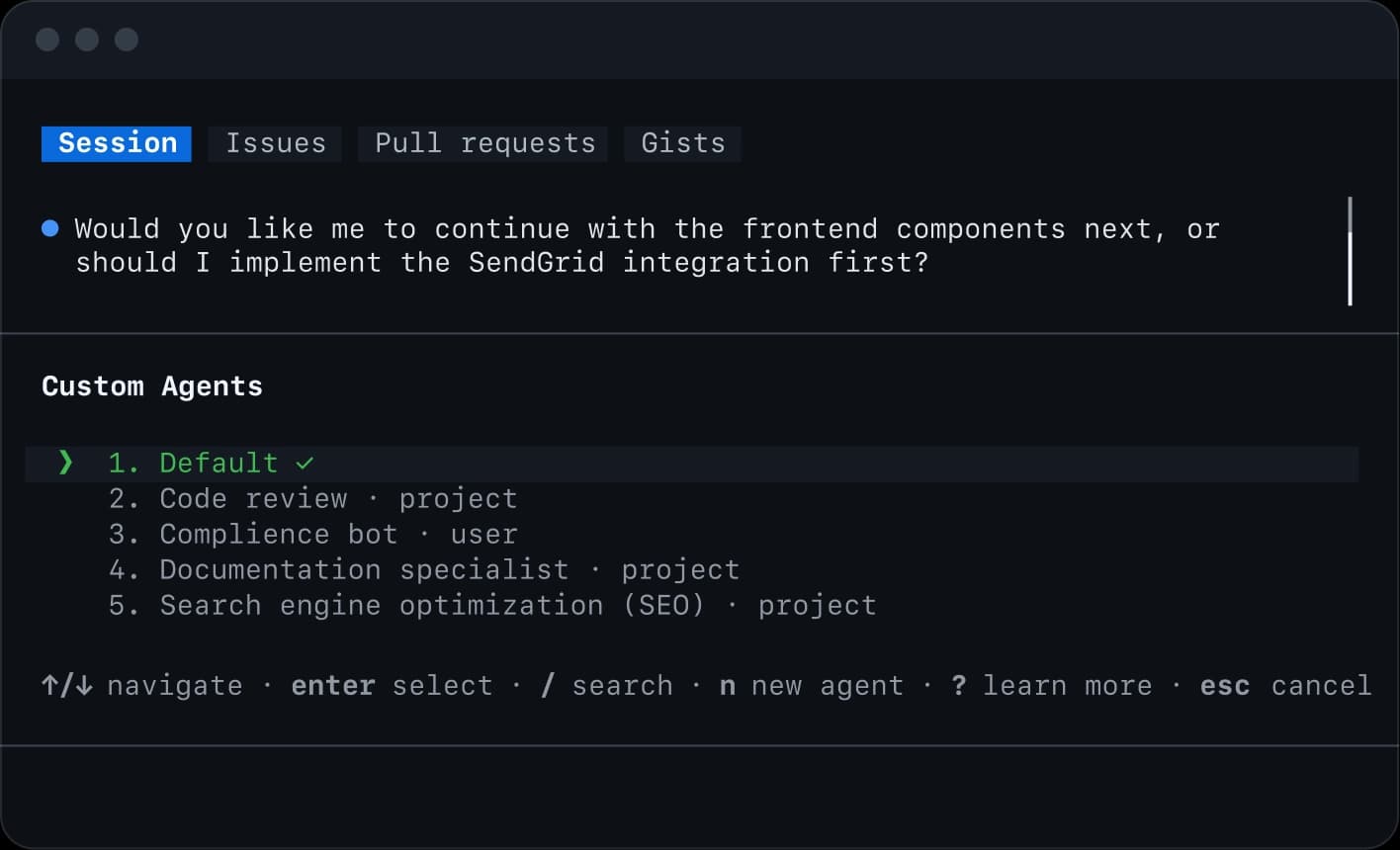
Custom agents let a repository package a specialized role, tools, and instructions. Keep them narrow—for example security-reviewer or test-explorer—and make write authority explicit.
Official Copilot CLI custom and parallel agents interface
Skills, plugins, and MCP
These mechanisms solve different problems:
instructions: durable repository rules;
skills: repeatable procedures with supporting resources;
custom agents: specialized delegated roles;
plugins: packaged collections of agent capabilities;
MCP servers: live external tools and data.
Use the smallest mechanism. A test command belongs in instructions; a release procedure may be a skill; a read-only database lookup may require MCP. Every plugin and MCP server changes the trust boundary. Review its code or publisher, pin versions where possible, scope credentials, and deny destructive methods unless required.
Permissions and sandboxing
Copilot CLI can request permission for commands and file changes and supports configured allow/deny behavior. Begin with the default interactive approval model. Broad approval modes are appropriate only in disposable, externally isolated environments.
Treat these as separate controls:
working-directory boundary;
filesystem read/write permission;
command permission;
network access;
MCP/plugin authority;
GitHub issue, PR, merge, and remote-agent actions;
sandbox isolation.
A permission prompt is not a security review. Read the exact command, target, and likely side effects. Keep production and organization-admin credentials out of local agent sessions.
GitHub-native issue and pull-request work
Copilot CLI can use GitHub context for issues and pull requests. Give it exact identifiers and a definition of done:
Investigate issue #123 in this repository.
Reproduce the defect or add a focused failing test.
Implement the smallest fix.
Run the focused test and relevant suite.
Do not push, open a PR, or change the issue.
Creating a branch, pushing, opening a pull request, posting a comment, merging, and triggering a remote job are external mutations. Authorize them explicitly and separately from local implementation.
IDE, remote, and delegated work
Copilot CLI documents commands for opening or sharing context with an IDE and for starting or following remote agent work. Remote execution changes the environment, credentials, network, and retention boundary; inspect the repository revision and environment before dispatch.
Official Copilot remote-agent handoff screenshot
Official product screenshot of terminal-to-remote continuity.
When work returns from a remote agent, treat it as an untrusted proposed diff. Rebase if necessary, run local gates, and review before merge.
Review, research, and problem-solving commands
Current Copilot CLI workflows include review, research, and explanation-oriented commands such as /review, /research, and /rubber-duck. Use them for different outcomes:
review asks for defects in a concrete diff;
research gathers and synthesizes evidence;
rubber-duck mode helps reason without necessarily editing.
A model review complements static analysis and human ownership; it does not certify security or correctness. Ask for file/line references, severity, reproduction path, and a specific fix.
Context, compaction, sessions, and undo
Use /context to see what is consuming the working context and /compact when a long session needs compression. Resume prior sessions only after confirming repository and branch identity. Undo or rewind tools can help revert recent agent operations, but Git remains the durable review and recovery mechanism.
Before a long session, create a clean branch or worktree. After compaction or resume, re-check the user request, repository instructions, current diff, and test state.
Hooks, telemetry, and programmatic use
Copilot CLI supports hooks around lifecycle events and OpenTelemetry observability. Hooks are code: keep them small, deterministic, reviewed, and unable to leak prompts, source, or secrets. Telemetry destinations must match organizational privacy policy.
For integration scenarios, GitHub documents programmatic modes and an ACP server. Structured events are easier to orchestrate than terminal prose, but model output remains probabilistic. Record CLI/model version, input, repository revision, permissions, event log, exit status, tests, and diff.
A safe end-to-end workflow
start in a clean branch or worktree;
authenticate only the required GitHub identity;
run read-only mapping and plan mode;
confirm instructions, model, tools, and permissions;
delegate only independent work;
implement one bounded outcome;
run focused tests, then broader build/type/lint gates;
run /review on the final diff;
inspect Git status and diff yourself;
authorize push, PR, remote work, or merge only when requested.
Troubleshooting
Authentication succeeds but a feature is missing
Check Copilot plan, organization policy, installed CLI version, and the official availability note for that feature. Authentication is not entitlement.
The agent asks for too many permissions
Return to plan mode, narrow the files and commands, disable unnecessary MCP/plugins, and split the task. Do not solve a vague plan with permanent broad approval.
Fleet agents conflict
Stop overlapping writers, preserve useful diffs, and restart each implementation in an isolated worktree. Assign one parent as integration owner.
Remote work differs from local results
Compare repository revision, environment variables, dependencies, platform, and test command. Re-run acceptance gates in the environment that will ship.
Should Copilot CLI replace gh scripts?
No for deterministic operations. Keep repeatable GitHub automation in explicit gh or API scripts. Use the agent where interpretation, planning, or code changes add value.
Master Google Antigravity CLI from installation and workspace trust to artifacts, subagents, models, permissions, sandboxing, skills, plugins, MCP, hooks, and headless automation.
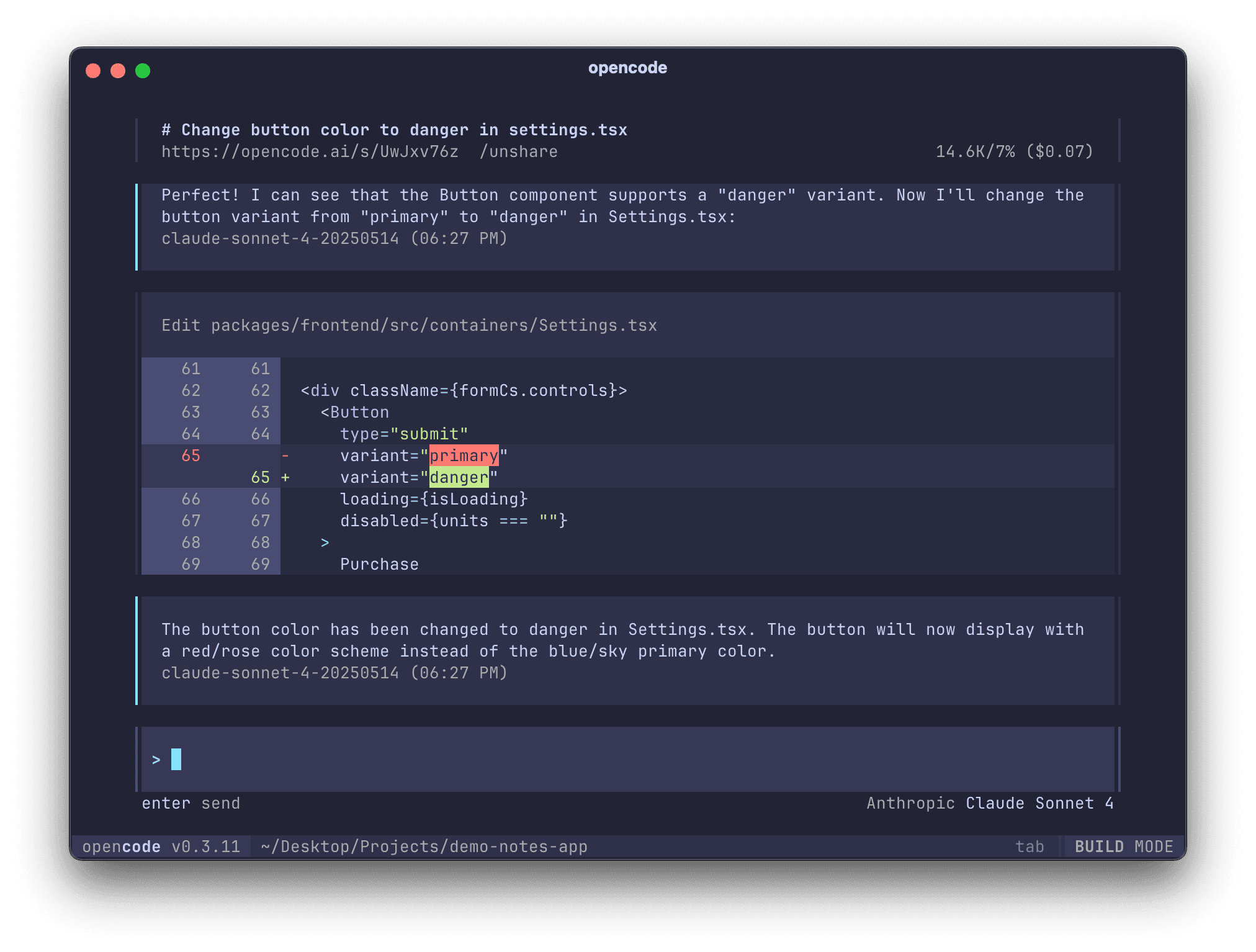
Master OpenCode from installation to providers, AGENTS.md, plan and build agents, permissions, skills, MCP, plugins, IDE, desktop, server, and GitHub workflows.