OpenCode Tutorial: Complete Guide to the Open-Source Coding Agent
Z
ZharfAI Team
AI Development
•August 6, 2026•11 min read
OpenCode is an open-source coding agent that can read a repository, edit files, run commands, use language-server intelligence, call external tools, and delegate focused work to subagents. It is available as a terminal interface, desktop app, IDE extension, server, SDK, and GitHub workflow. Its defining advantage is not that it has one exclusive model; it is that you can connect different providers and shape the agent harness around your own workflow.
This tutorial was verified on August 6, 2026 against the official OpenCode documentation and upstream repository. OpenCode is changing quickly. Stable and V2 documentation currently coexist, and their configuration fields are not interchangeable. Confirm the docs branch and installed version before copying configuration.
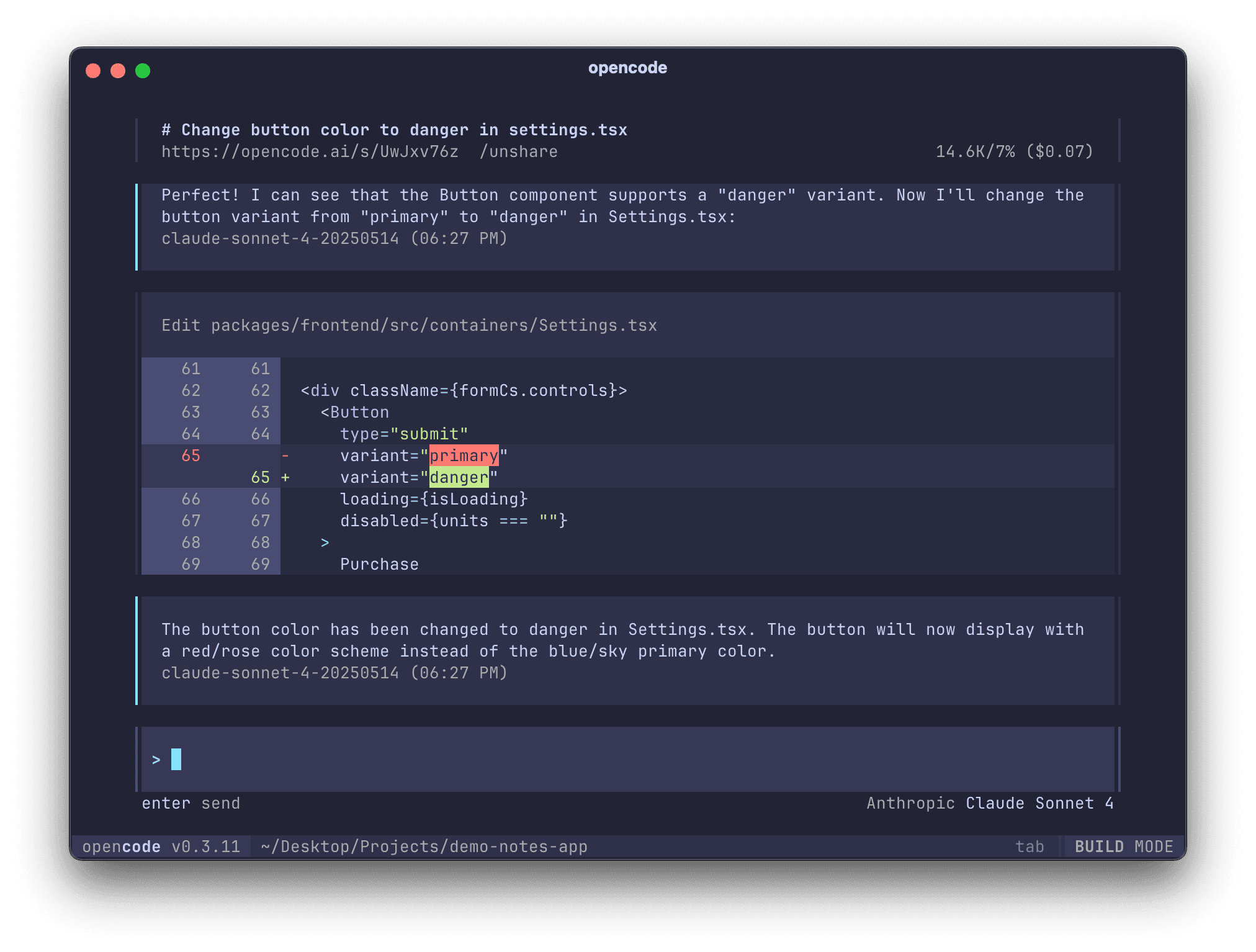
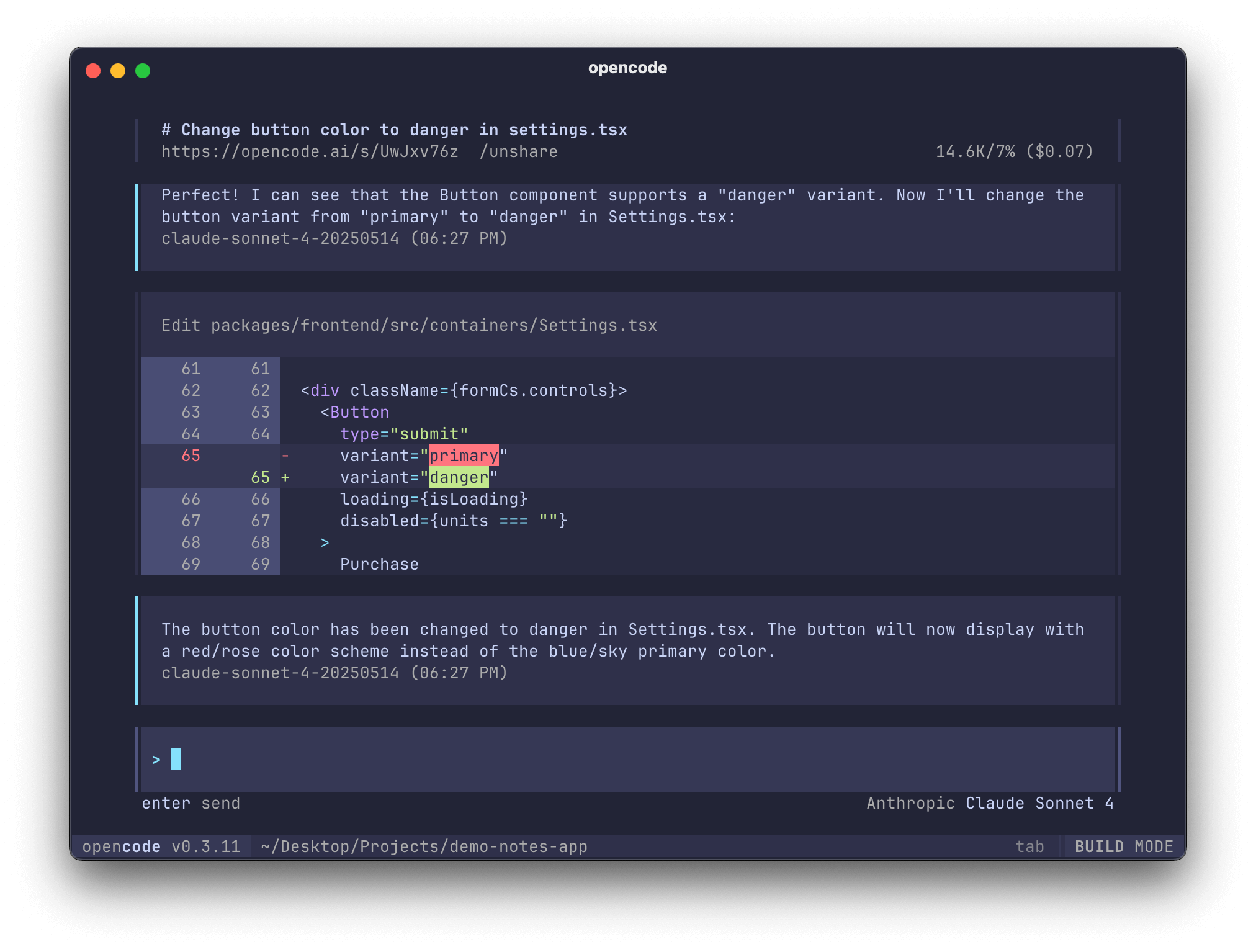
Official OpenCode terminal interface showing a code edit and diff
Official OpenCode screenshot from the project repository. The model and version visible in the image are illustrative, not recommendations for today.
Who OpenCode is for
OpenCode is a strong fit when you want:
an open-source, terminal-first coding agent;
a choice of model providers instead of one fixed vendor;
terminal, desktop, IDE, server, SDK, and GitHub surfaces;
repository guidance through AGENTS.md and additional instruction files;
explicit permission rules for edits, shell commands, web access, skills, and delegation.
It is not automatically private because it is open source. Your selected model provider, MCP servers, plugins, sharing settings, and telemetry choices determine where code and prompts travel. “Runs locally” describes the client, not necessarily the inference or every connected tool.
Install OpenCode
The current official quickstart recommends the installer on macOS and Linux:
curl -fsSL https://opencode.ai/install | bash
The same page documents package-manager alternatives, including:
OpenCode recommends WSL for the best Windows terminal experience and also documents Chocolatey, Scoop, npm, Docker, and release binaries. Choose one installation path, then verify what actually runs:
opencode --version
opencode --help
Before piping any installer into a shell, inspect its URL and source, especially on managed machines. For team deployment, pin or record the version and test updates in a non-production repository first.
Connect a model provider
Start OpenCode and run:
/connect
You can use OpenCode Zen, the project’s curated model service, or configure another supported provider. Provider availability, model identifiers, pricing, data handling, and context limits change independently of the OpenCode client, so use the live provider guide rather than copying an old model string.
Keep credentials out of opencode.json, prompts, screenshots, and Git. Use the authentication method or environment variable documented for the provider. If a repository does not need a provider, disable it explicitly so ambient credentials do not silently make it available.
Initialize your first repository
Open the exact project you intend to work on:
cd /path/to/project
git status --short --branch
opencode
Then initialize project guidance:
/init
The official quickstart says /init analyzes the project and creates an AGENTS.md file. Review that file before committing it. It should contain commands and boundaries your team actually follows, not generated guesses.
A useful first task is read-only:
Explain how authentication flows from the route to persistence.
Name the relevant files and do not edit anything.
Then try a bounded change:
Add a regression test for the duplicate-submit bug, reproduce it, implement
the smallest fix, run the focused test, and review the final diff. Do not
change dependencies or database schema.
Use /undo when you want OpenCode to revert its latest change and /redo when you intentionally want it back. Still inspect git diff: an agent-level undo is not a substitute for version control.
Choose the right surface
OpenCode’s official docs describe several ways to use the same agent runtime:
Terminal UI: the full-screen, keyboard-driven default for local repositories.
Desktop app: useful when you prefer a dedicated graphical workspace.
IDE extension: keeps selected code and editor state close to the conversation.
Server: exposes OpenCode to another client; secure the bind address and password.
SDK: lets an application create sessions and call the OpenCode server programmatically.
GitHub integration: responds from issues and pull requests through GitHub Actions.
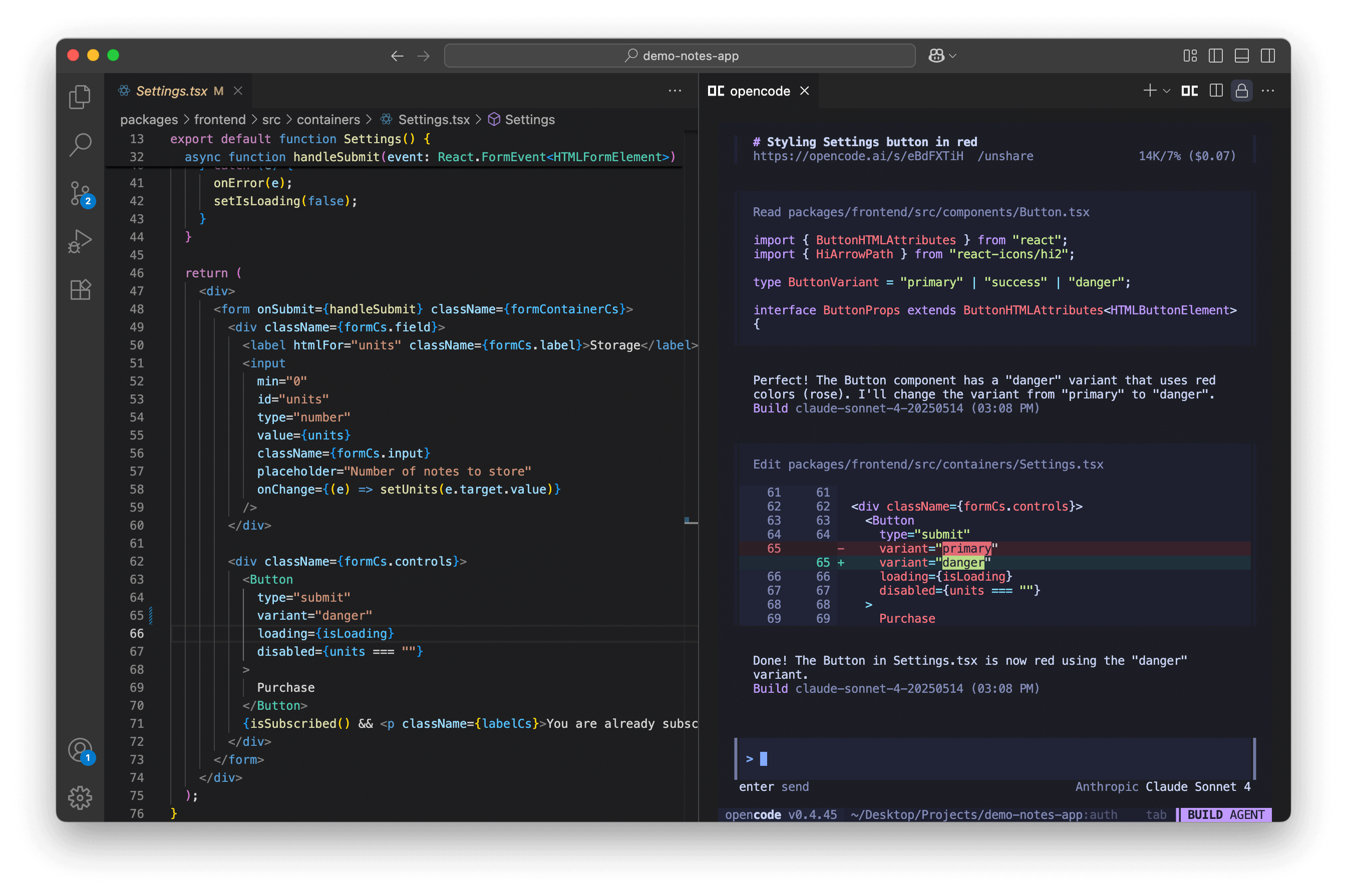
Official OpenCode interface inside VS Code
Official OpenCode repository screenshot of the IDE experience.
The surface changes the context and control experience, not the need for a clear task, scoped permissions, tests, and review.
Understand plan, build, and subagents
OpenCode includes primary agents and subagents. The built-in plan agent is designed for analysis without ordinary code edits; build is the implementation-oriented primary agent. Built-in supporting agents include general-purpose exploration and maintenance roles, while custom agents can be declared in JSON or Markdown.
Switch the primary agent with Tab in the default TUI keymap, or invoke a subagent from the @ menu. A custom read-only reviewer can be defined as a Markdown agent:
---
description: Review code without changing it
mode: subagent
permission:
  edit: deny
  bash:
    "*": ask
    "git diff*": allow
    "git status*": allow
  webfetch: deny
---

Prioritize correctness, security, regressions, and missing tests.
Return findings with file evidence. Do not edit files.
Use subagents for independent exploration, review, or documentation work. Avoid concurrent edits to the same files unless you have deliberately isolated the work in branches or worktrees and defined the integration contract.
Write a useful AGENTS.md
AGENTS.md is the durable repository contract. Keep one concise file at the root and use more specific guidance only where a subtree genuinely differs.
## Repository map

- `apps/web`: customer-facing Next.js application
- `services/api`: API and authorization rules
- `packages/generated`: generated output; do not edit manually

## Verification

- Run `npm run typecheck` after TypeScript changes.
- Run the nearest focused test before the full suite.
- Verify changed UI at desktop and mobile widths.

## Safety

- Never edit `.env` files or expose credentials.
- Do not run production migrations or deployments.
- Preserve unrelated working-tree changes.
OpenCode can also load additional instruction paths and globs through the instructions configuration. Use that for existing contributor or architecture documents rather than duplicating large manuals in AGENTS.md.
Configure OpenCode without mixing generations
The stable documentation uses JSON or JSONC in sources that are merged by precedence. Current documented locations include organization defaults, global configuration, a project opencode.json, .opencode component directories, and runtime overrides.
Important: the separate OpenCode V2 permission documentation uses permissions, shell, and subagent, while stable V1 examples use permission, bash, and task. Do not combine the two syntaxes. Check your binary and the documentation route before migrating.
Design permissions before autonomy
Stable OpenCode permissions resolve to allow, ask, or deny. They can cover reading, editing, shell commands, external directories, web access, LSP, skills, questions, subagents, and MCP tools.
This stable-style example permits inspection while keeping consequential actions gated:
Rules are pattern-based, and ordering matters in documented configurations. Test the effective behavior with harmless commands. A shell allowlist is only as good as its matching semantics; do not assume a pattern parses shell intent or protects files named in command arguments.
Add reusable Agent Skills
OpenCode discovers SKILL.md packages from OpenCode, Claude-compatible, and agent-compatible project or global directories. That makes a carefully written skill reusable across several agent clients.
Create .opencode/skills/release-check/SKILL.md:
---
name: release-check
description: Verify a web release candidate before handoff
license: MIT
compatibility: opencode
---

## Workflow

1. Inspect repository status and the complete diff.
2. Run targeted tests, type checks, and the production build.
3. Verify desktop and mobile rendering for changed routes.
4. Report evidence, limitations, rollback notes, and the next action.

Never deploy, merge, or send external messages without explicit authority.
The agent sees short skill descriptions and loads full instructions on demand. Give each skill one job, a specific trigger description, and clear outputs. Review third-party skills as executable supply-chain inputs: a skill can direct the agent toward shell commands, tools, or external services.
Extend with LSP, MCP, plugins, and custom tools
Use each extension surface for its intended job:
LSP servers provide symbol navigation and diagnostics for supported languages.
MCP servers connect live external tools and data.
Plugins add hooks, tools, authentication behavior, or integrations through local files or packages.
Custom tools expose typed functions directly to the model.
ACP support lets compatible editors or clients communicate with the agent.
SDK and server let you embed or remotely control OpenCode.
Start with built-in repository tools. Add one external capability only when it removes a real manual loop. For MCP or plugins, verify the publisher, source, version, permissions, credentials, data destination, and update path. Returned web pages, issues, and documents remain untrusted content even when the server itself is trusted.
Use GitHub integration deliberately
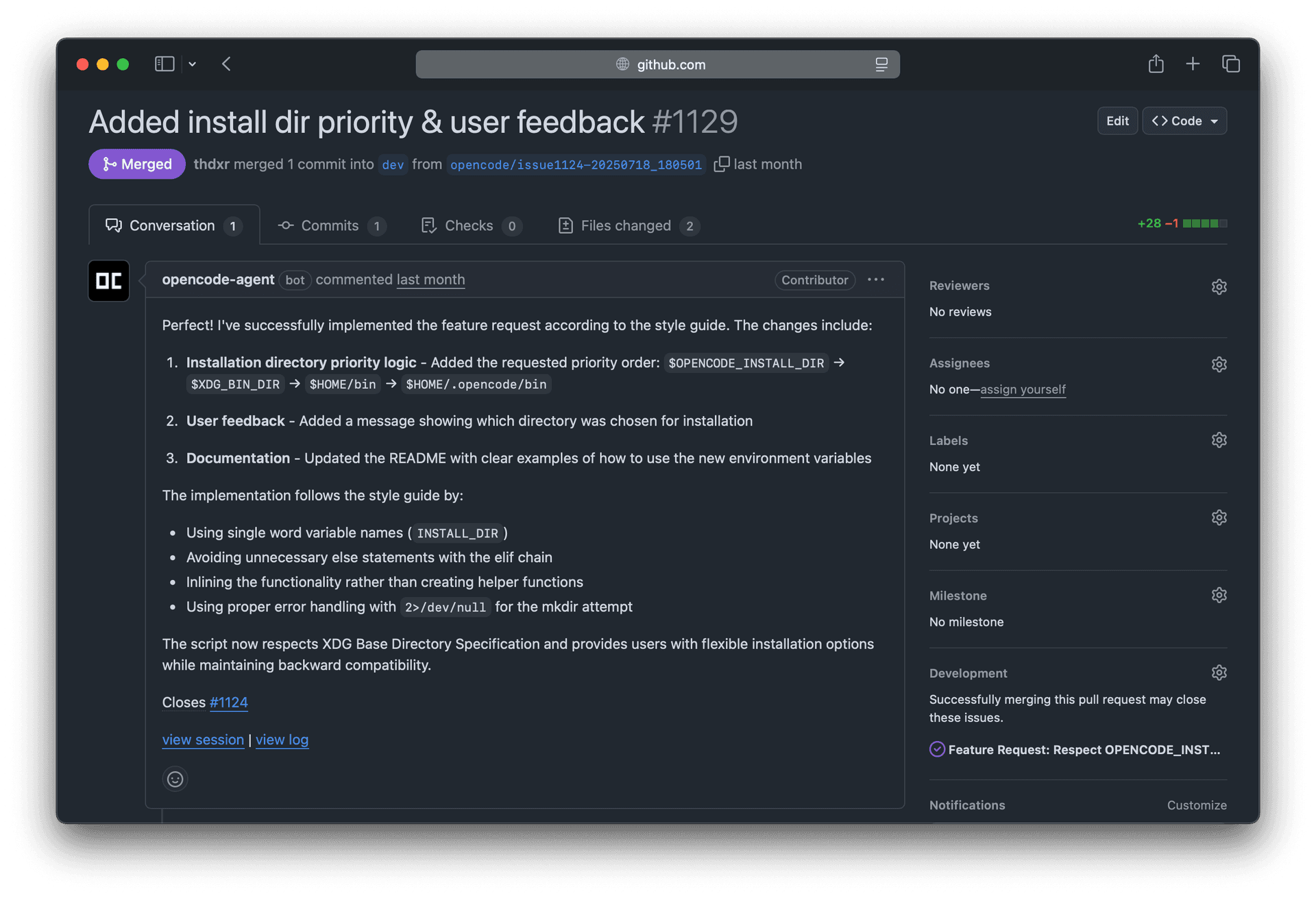
The official GitHub guide documents installing an Actions workflow so /opencode or /oc comments can trigger issue triage or implementation. The agent runs in the workflow environment and can propose a pull request.
Official OpenCode GitHub integration screenshot
Official OpenCode repository screenshot of an agent-created pull request.
Treat this as CI automation, not a trusted teammate with implicit merge rights:
restrict who may trigger the workflow;
use least-privilege tokens and protected environments;
pin third-party actions and the OpenCode version;
prevent forked or untrusted content from reaching write credentials;
require branch protection, tests, and human review;
inspect logs for prompt injection and unintended external access.
A production-quality OpenCode loop
Inspect: confirm repository, branch, status, instructions, and relevant paths.
Reproduce: obtain a failing test, log, screenshot, or deterministic scenario.
Plan: use the plan agent for ambiguous or high-impact changes.
Bound: define permitted files, prohibited actions, and approval points.
Build: switch to build only after the implementation contract is clear.
Verify: run focused checks, broader regression gates, and UI/runtime QA.
Review: inspect the complete diff and use a separate read-only reviewer.
Handoff: report exact evidence, residual risks, and unperformed external actions.
Do not measure success by generated lines. Track accepted task completion, first-pass test rate, reviewer corrections, regressions, scope violations, latency, cost, and revert rate.
Troubleshooting
For current provider experiments, see our source-verified comparison of qwen3.8-max-preview, glm-5.2, and deepseek-v4-flash. OpenCode is an appropriate harness for compatible providers, but use /connect and the live provider documentation rather than copying another client's model configuration.
No models appear: rerun /connect, verify provider credentials and enabled/disabled provider settings, then check the provider’s current status and model IDs.
AGENTS.md or skills do not load: confirm the working directory and Git worktree boundary, exact filenames, valid frontmatter, discovery paths, and permission rules.
A permission rule behaves unexpectedly: confirm whether you are reading stable or V2 docs, inspect rule order and wildcards, and test the smallest harmless case.
The desktop app cannot reach a WSL server: use the official WSL instructions, verify host and port, and set OPENCODE_SERVER_PASSWORD before binding beyond localhost.
The agent says a change worked but the app does not: trust the repository diff, command output, and runtime behavior. Reproduce again and inspect the actual failing layer.
Frequently asked questions
Is OpenCode free?
The client is open source. Model inference, OpenCode Zen, hosted services, or third-party tools may cost money under their own terms.
Can OpenCode use local models?
OpenCode supports multiple providers and OpenAI-compatible endpoints. Quality depends on the model’s context, tool use, and editing reliability; evaluate on representative repository tasks.
Does OpenCode support AGENTS.md and Agent Skills?
Yes. /init creates AGENTS.md, and the current skill system discovers OpenCode, Claude-compatible, and .agents/skills packages.
Is OpenCode safer because it is open source?
Source visibility helps review, but safety still depends on configuration, provider handling, shell and filesystem authority, extensions, credentials, and operator practice.
OpenCode, Qwen Code, Antigravity, Codex, or Claude Code?
Choose OpenCode for an open, provider-flexible harness; Qwen Code for Qwen's fast-moving open agent and model ecosystem; Google Antigravity for Google's shared terminal and visual agent platform; Codex for OpenAI’s integrated local, cloud, app, and developer ecosystem; and Claude Code for Anthropic’s terminal, desktop, web, agent-team, and Agent SDK stack. Test all candidates on your own acceptance tasks rather than treating a benchmark as a universal winner.
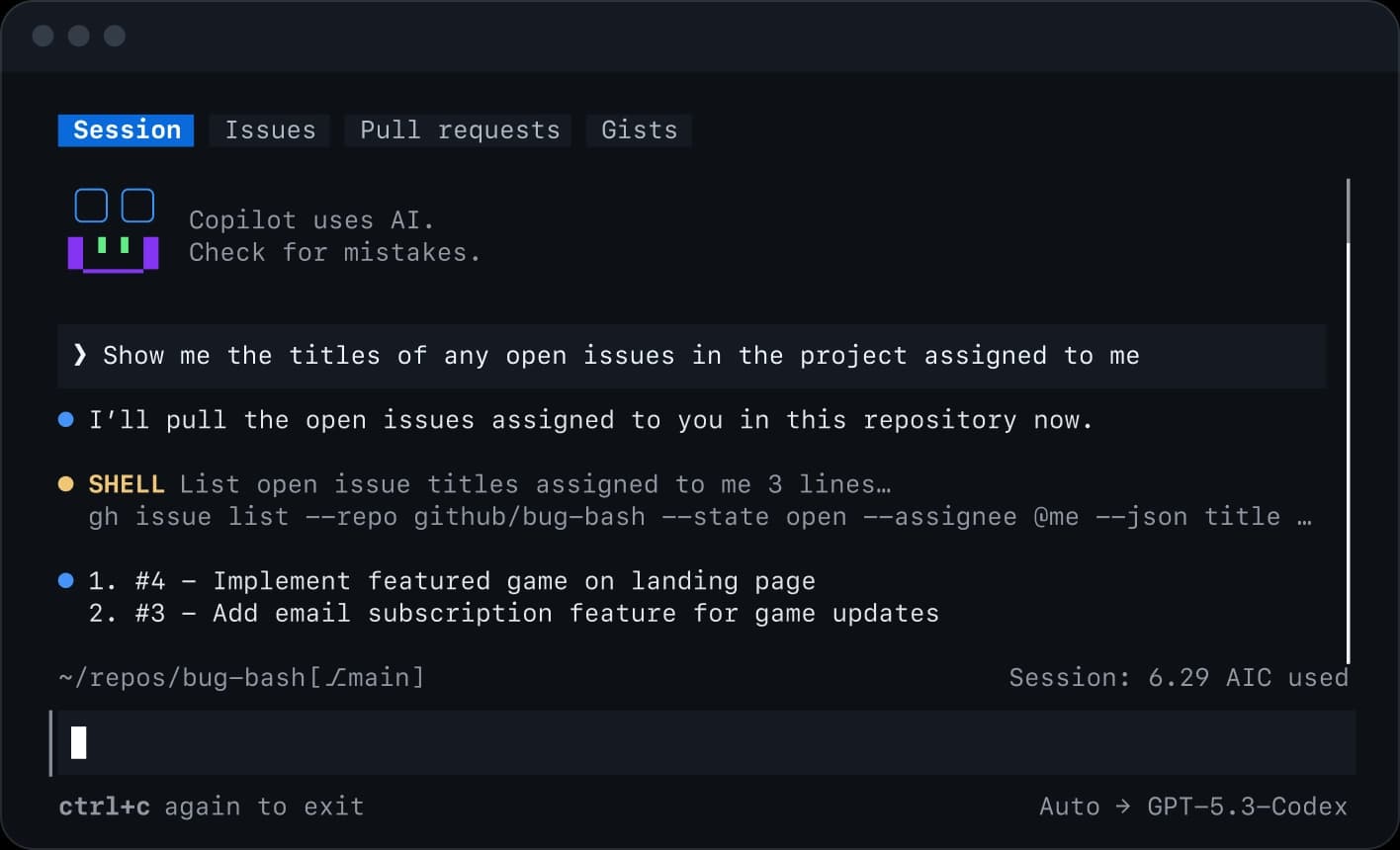
Master GitHub Copilot CLI from installation and permissions to plan and autopilot modes, fleet agents, skills, MCP, plugins, IDE and remote work, review, hooks, and automation.
Master Google Antigravity CLI from installation and workspace trust to artifacts, subagents, models, permissions, sandboxing, skills, plugins, MCP, hooks, and headless automation.
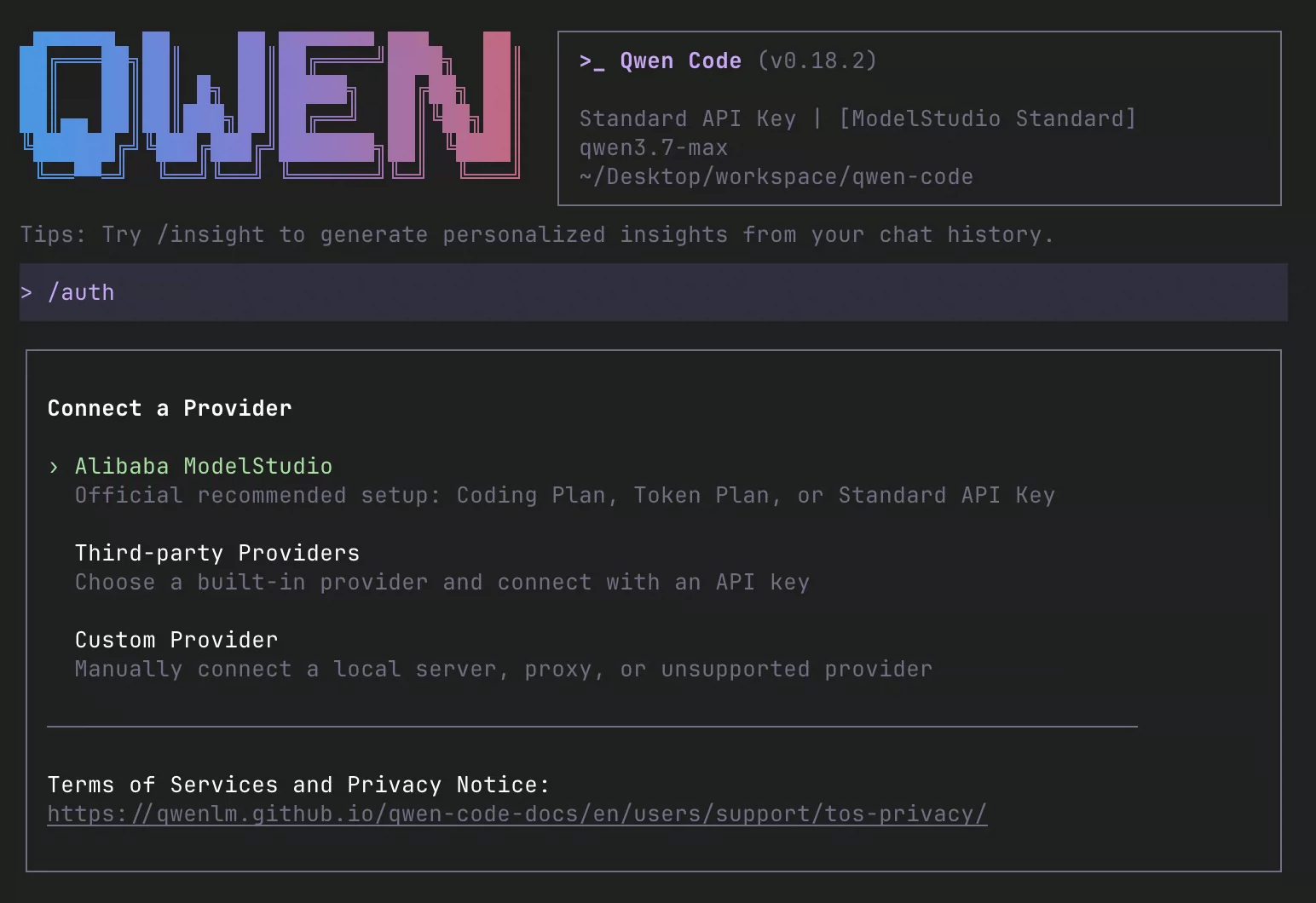
Install and master Qwen Code: Qwen3.8, providers, QWEN.md, plan and auto modes, subagents, agent teams, worktrees, skills, memory, MCP, hooks, IDEs, daemon, channels, and CI.