
AI Tutorials
Intelligent Automation Systems: The Complete Guide for 2025
Learn how AI-powered workflow automation is transforming enterprise operations, from hyperautomation strategies to selecting the right platforms for your business.
Read MoreZharfAI Team

In the rapidly evolving landscape of AI, the ability to connect disparate models and services is the true superpower. While tools like Zapier or Make offer simplicity, n8n (nodemation) offers the raw power and flexibility developers and enterprises need—without the heavy code requirements.
This guide will take you from the basics of n8n to building a fully functional, context-aware AI agent.
n8n is a "fair-code" workflow automation tool. Unlike closed-source alternatives, you can:
Before building, understand the building blocks:
Let's build a workflow that listens to a Telegram message, researches the topic using Gemini/OpenAI, and replies with a summary.
@BotFather.We need an AI model to process the user's request.
text field from the Telegram Trigger node output.To make it a true agent, let's give it web access.
output from the AI Agent node.n8n bridges the gap between simple automation and custom software development. By mastering it, you are not just connecting apps; you are architecting intelligent systems that can scale with your business.
Ready to implement enterprise-grade automation? ZharfAI specializes in building secure, self-hosted n8n infrastructures tailored to your unique workflows.
Learn how AI-powered workflow automation is transforming enterprise operations, from hyperautomation strategies to selecting the right platforms for your business.
Read More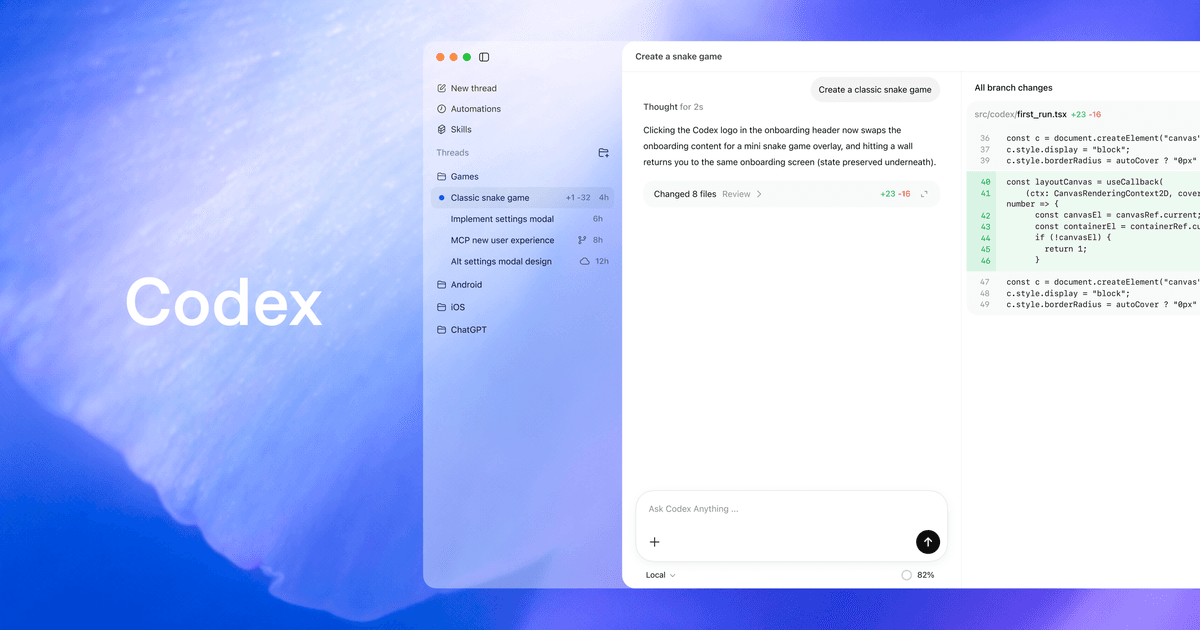
Learn OpenAI Codex end to end: install Codex CLI, use the app, IDE and cloud, configure MCP, AGENTS.md, sandboxing, reviews, CI and SDK workflows.
Read More
Master Claude Code with this comprehensive tutorial. Learn installation, configuration, MCP servers, hooks, IDE integrations, and advanced features. The ultimate guide to Anthropic's AI-powered CLI for developers.
Read MoreGet in touch with our team to discuss how we can help your business.